How to Run Tournaments Using Free Tournament Software with No Fees in 2026
Looking for free tournament software with no fees? Learn how to host CS2 or Valorant events in 2026 without paying platform cuts on your prize pools.
When you're organizing a community tournament, every dollar in the prize pool matters. The last thing you want is for a platform to skim 5-10% off the top of player entry fees. Many tournament websites that seem free actually charge these mandatory fees on every paid entry, directly reducing the money that goes to your winners. This guide will show you how to use genuinely **free tournament software no fees** to manage your event in 2026, from sign-ups and check-ins to broadcasting a professional-looking stream. You will learn how to keep 100% of your entry fees within your community, automate the most tedious parts of player communication, and produce a high-quality broadcast for your event.
Understanding the Hidden Costs of "Free" Tournament Platforms
The dominant model for online tournament platforms involves offering a "free-to-use" service for organizers, with monetization occurring when money changes hands. When you host a tournament with paid entries, these platforms automatically deduct a percentage as a service fee. This is often combined with payment processing fees, and the total cut can be significant for grassroots events where prize pools are funded entirely by the players. This model is standard and provides value through integrated payment processing and bracket management, but it's not a zero-fee solution.
For example, a platform like start.gg typically applies a platform fee on top of a payment processing fee. This can easily add up to over 6% of the total collected amount. If you run a 100-player Valorant tournament with a $10 entry fee, that's a $1,000 prize pool. A 6% platform cut means $60 is immediately removed before the money ever reaches you or your players. For a small community, that $60 could be an entire prize for 4th place or significantly increase the payout for the top 3. You can see a more detailed breakdown in our comparison of HUDrift vs. start.gg.
This financial model makes sense at the highest tiers of esports, where tournament circuits have massive operational budgets and publisher backing. Events like the VCT EMEA Stage 2 2026 or the Overwatch Midseason Championship at Esports World Cup 2026 are complex productions with revenue streams from sponsorships, media rights, and merchandise. For them, a platform fee is a minor operational cost. For a community organizer, however, that same percentage represents a direct hit to the prize pool and player satisfaction.
How to Use Free Tournament Software with No Fees via HUDrift
HUDrift offers a different approach by providing its tournament management tools completely free, without taking any cut of your entry fees. This makes it a true example of **free tournament software no fees**. The platform's business model is centered on its premium broadcast overlay features, not on taxing community prize pools. This separation allows you to manage player signups and communication through HUDrift while handling the financial aspects directly, ensuring 100% of the entry fees go exactly where you intend.
Setting up your event is straightforward. You create a tournament listing on the HUDrift website, defining all the key parameters: game, format, schedule, rules, and prize distribution. Since HUDrift does not process payments, you specify how players should pay entry fees—typically through a direct link to your PayPal.me, a Cash App tag, or instructions for a bank transfer. You also specify how you will pay out the winners. This direct-handling model requires a bit more trust and bookkeeping on your part, but it provides complete financial control and transparency.
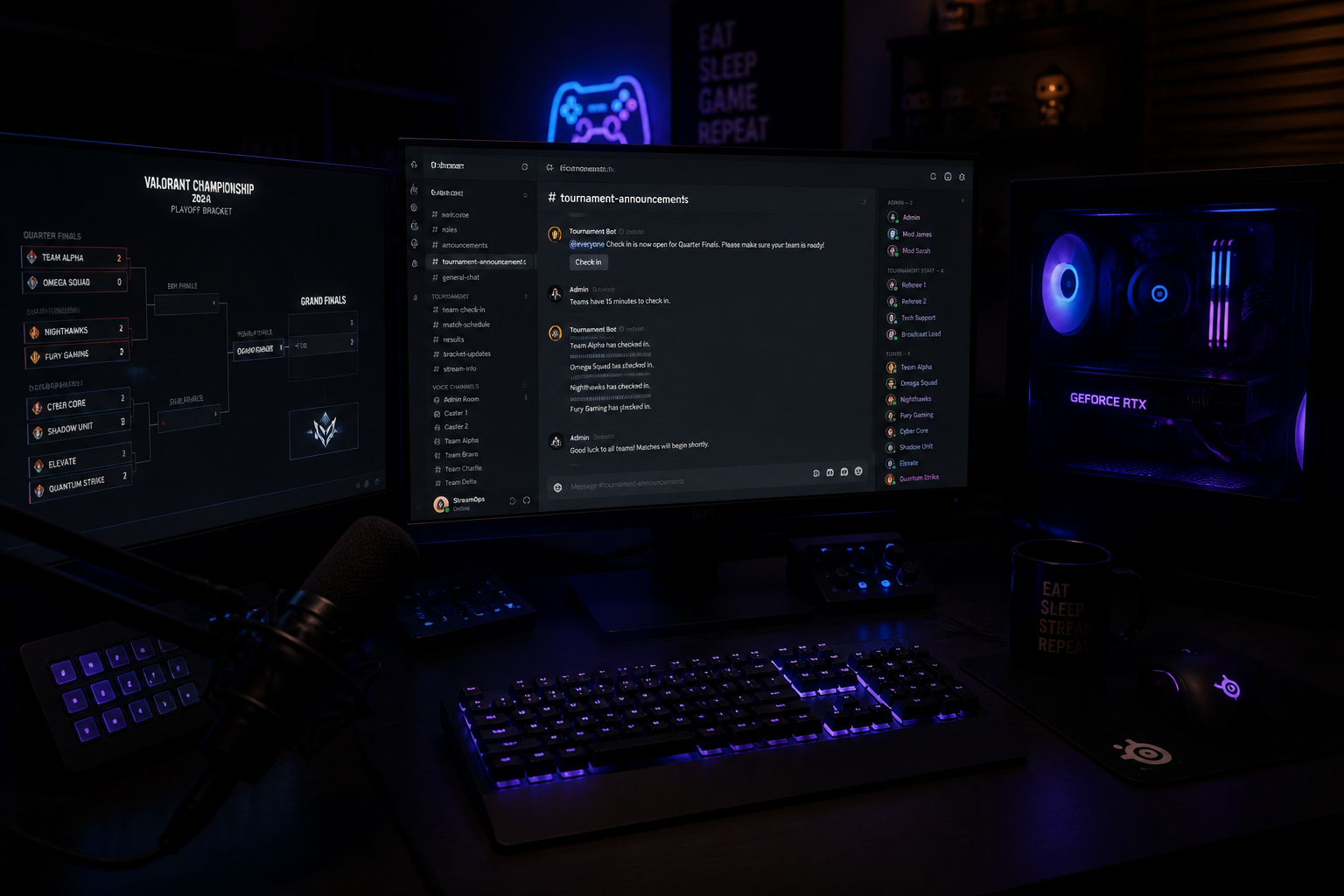
This model builds significant trust within your community. When players sign up, they know their entire entry fee is contributing directly to the prize pool, not being partially diverted to a third-party platform. You can even post a public ledger of entries and the total prize pool in your Discord server for full transparency. This method reinforces the grassroots nature of the event and encourages more participation, as players feel their contribution is fully valued. It is the most effective way to host a paid tournament while ensuring the maximum possible reward for your competitors.
Automating Player Communication with Discord DMs
One of the most time-consuming tasks for any tournament organizer is managing player communication. Answering questions about signups, manually sending check-in reminders, and messaging every player with their first-round opponent can take hours and is highly susceptible to human error. HUDrift's system automates this entire pre-tournament workflow using Discord DMs, a feature included in the free tournament management tools.
The process is designed to be seamless for both the player and the organizer. Once you set up your tournament page, the automated system takes over the key communication touchpoints. Here is the exact, step-by-step flow:
- **Step 1: Player Signup and Discord Connection.** A player navigates to your tournament's page on HUDrift and clicks the sign-up button. During this process, they are prompted to create a free HUDrift account and, crucially, to connect their Discord account via a standard OAuth2 authorization. This one-time connection grants the HUDrift bot permission to send them direct messages related to the tournaments they join.
- **Step 2: Instant Signup Confirmation DM.** The moment a player successfully completes the signup form, the HUDrift bot sends them a DM on Discord. This message confirms their registration for your specific tournament by name. This simple, instant confirmation eliminates a huge volume of support questions from players wondering if their entry was successful and provides them with immediate peace of mind.
- **Step 3: Automated Check-in Reminder DM.** An hour before your tournament's scheduled start time, the system automatically sends another DM to every single player who registered. This message contains a unique, one-click link to the official check-in page. This proactive reminder is critical for maximizing the number of players who show up on time and ensures you have an accurate headcount of who is ready to compete.
- **Step 4: Automated Match Assignment DM.** After you, the organizer, close the check-in window and use the finalized player list to seed your bracket, the HUDrift system sends out the most important DM. Each checked-in player receives a personalized message informing them of their first-round match. The DM names their opponent (including their Discord tag) and clarifies any necessary details, like who is designated as Team A or Team B. This kicks off the tournament without you needing to manually message dozens or hundreds of participants.
This four-step automated flow handles the most repetitive and error-prone parts of tournament administration. It allows you, as the sole organizer or a small team, to focus on higher-level tasks like community management, resolving disputes, and running the broadcast, rather than being buried in administrative messaging. The entire Discord automation system is a core part of the free offering, designed to make running events more accessible.
Managing Payouts and Brackets with a Fee-Free Structure
Adopting a fee-free model means you are responsible for the flow of money. While HUDrift provides the **free tournament software no fees** for signups and check-ins, you manage the prize pool directly. For collecting entry fees, the most common method is to provide a direct payment link (like PayPal.me) on your tournament's rules page or in your Discord. You can then track incoming payments against the HUDrift registration list. This manual reconciliation is the trade-off for avoiding platform fees.
For payouts, transparency is key. Once the tournament concludes, you can use services like PayPal's Mass Payment feature to send prize money to multiple winners at once with lower fees than individual payments. Alternatively, for smaller prize pools, direct bank transfers or other peer-to-peer payment apps work just as well. It is critical to communicate your payment methods and timelines clearly to players beforehand. A common best practice is to state that all prizes will be paid out within 48 hours of the tournament's conclusion.
Regarding brackets, HUDrift provides you with a clean, exportable list of checked-in players. You can then use this list to seed a bracket in any number of free or paid external tools. Many organizers use simple, free web-based bracket generators for a visual and shareable bracket. For a small 8 or 16-team event, you could even manage the bracket in a shared Google Sheet. This unbundled approach gives you the flexibility to use the bracket tool that best fits your needs and budget, without being locked into an ecosystem that charges fees on your prize pool. This commitment to fair play and transparency is essential for building a respected community event, a principle upheld by esports integrity bodies like ESIC.
Elevating Your Broadcast with Professional Overlays
Running a tournament is only half the battle; creating an engaging broadcast is what draws in a wider audience. This is where HUDrift's core product features connect directly with its tournament tools. The same platform you use to manage signups also provides a powerful suite of broadcast overlays that integrate directly with your streaming software, like OBS Studio or Streamlabs. These are not simple static images; they are data-driven graphics that pull live information directly from the game.
For a Counter-Strike 2 tournament, for example, you can add a HUDrift browser source to your OBS scene that automatically displays the current score, team names, player K/D/A, active utility, and player economy. This information updates in real-time without any manual input from you. This allows you to focus on casting the game, knowing your broadcast has the same level of data-rich presentation seen in professional leagues run by organizers like BLAST. The overlays are customizable, allowing you to match colors and branding to your event.
Similarly, for Rocket League or Valorant, the overlays can track game-specific data points, from boost meters and shot speed to agent ultimates and spike timers. Setting this up is a matter of installing the HUDrift desktop client and adding a browser source to your streaming software. By using these tools, the production value of your community tournament broadcast is significantly elevated. It makes your event more engaging for viewers and more attractive to potential sponsors, adding value far beyond what a simple bracket manager can offer.
By combining a fee-free tournament management system with professional-grade, automated broadcast graphics, you create a complete ecosystem for your event. You save money on platform fees, save time on player communication, and produce a stream that looks polished and credible. This holistic approach ensures that every aspect of your tournament, from the player experience to the viewer experience, is as high-quality as possible.
Ready to host your next event without giving up a percentage of the prize pool? You can start creating your event right now and explore HUDrift's tournament features to see just how simple the automated Discord flow is. Stop letting platforms tax your community's passion and start putting 100% of the prize money back into the game.
Frequently Asked Questions
- How does HUDrift make money if tournament hosting is free?
- HUDrift operates on a freemium model. Core tournament management features, including Discord automation and standard broadcast overlays, are completely free. We generate revenue through optional premium subscriptions that offer advanced broadcast graphics, extensive customization options, and priority support. This allows us to support grassroots communities without taking a cut of their prize pools.
- Can I use HUDrift with other bracket websites?
- Yes. HUDrift is designed to be flexible. It handles the critical pre-tournament stages of player signup, payment coordination, and automated check-ins. Once check-in is complete, you can easily export the finalized player list and use it to seed a bracket on any external platform you prefer, whether it's a free online generator or another tournament service.
- What games are supported for tournament signups?
- The tournament signup and management system is game-agnostic, meaning you can host an event for any game, from CS2 and Valorant to Rocket League, Street Fighter, or even chess. The data-driven, automated broadcast overlays are game-specific and currently support titles like Counter-Strike 2, Valorant, and Rocket League, with more games in development.
- Do I need my own Discord server to use the automated DMs?
- No, you do not need your own server for the automation to work. The HUDrift bot communicates with players via Direct Messages (DMs) on Discord, independently of any specific server. However, we strongly recommend having a dedicated Discord server for your tournament to post rules, make general announcements, and build a community hub for participants.
- Is it difficult to manage payments manually?
- Managing payments directly requires more administrative work than using an integrated platform, but it gives you full control and saves you money. For most small to medium-sized tournaments, tracking payments in a spreadsheet against the HUDrift registration list is manageable. Using accessible services like PayPal or Cash App simplifies the process. The key is clear communication with your players about how and when payments will be handled.