How to Run Tournaments for Your Discord Server in 2026
Learn how to use tournaments for your Discord server to drive engagement. Automate signups, check-ins, and matchups with HUDrift to grow your community.

An active Discord server is the backbone of any healthy streaming community, but keeping members engaged beyond initial stream hype is a constant challenge. You need to create reasons for people to log in, interact, and feel like part of a team. This guide will show you how to use regular competitions as an engine for growth and how to run effective **tournaments for your Discord server** without getting buried in administrative work. We'll cover everything from choosing the right format and rules to leveraging automated tools that handle the most tedious parts of the process, turning your server into a hub of activity.
Why Run Tournaments for Your Discord Server?
A Discord server without events often becomes a ghost town, with conversations limited to a small, core group. Tournaments break this stagnation by creating a recurring, high-stakes reason for your entire community to participate. They transform passive lurkers into active players and spectators, giving them a shared goal and a tangible way to connect with you and other members. This consistent schedule of events provides a predictable rhythm for your community, building anticipation and ensuring people have a reason to check back in regularly, far more effectively than random conversation starters.
Furthermore, a community tournament is a content goldmine for your channel. It's not just an event for the players; it's a multi-hour broadcast you can produce for your Twitch or Kick audience. You can cast the matches, interview players between games, and create a unique viewing experience centered around your own community members. The content lifecycle extends far beyond the live event; you can edit down the best clutches for YouTube Shorts, create a 'Top 5 Plays' video, and use VODs to analyze gameplay on stream later. Major events like the Warzone Resurgence Series at Esports World Cup 2026 demonstrate how a single competitive series can generate weeks of discussion, analysis, and viewership.
Ultimately, these events forge genuine bonds. The shared experience of competing together—forming makeshift teams, celebrating a hard-fought win, or commiserating over a narrow loss—builds a much stronger community fabric than text-based chat alone. You are creating a space for friendly rivalries, heroic moments, and team narratives to emerge organically. This is the same dynamic seen in grassroots competitions like the Elisa Esports Breakout Series, where new talent gets a chance to shine. By hosting these events, you give your community members their own stage, making them the stars of the show and deepening their investment in the server's success.
Planning Your First Community Tournament: Format and Rules
When planning your first event, your primary goal should be completion and fun, not complexity. Avoid the temptation to replicate a multi-stage professional major. Start with a manageable scope: a 16-team, single-day tournament is an excellent target. Choose a game that is highly popular within your existing community. If your chat is constantly discussing Valorant, run a Valorant 2v2 or 5v5. If it's Rocket League, a 3v3 bracket is a classic choice. Polling your community beforehand is a simple way to guarantee interest and buy-in for the chosen title.
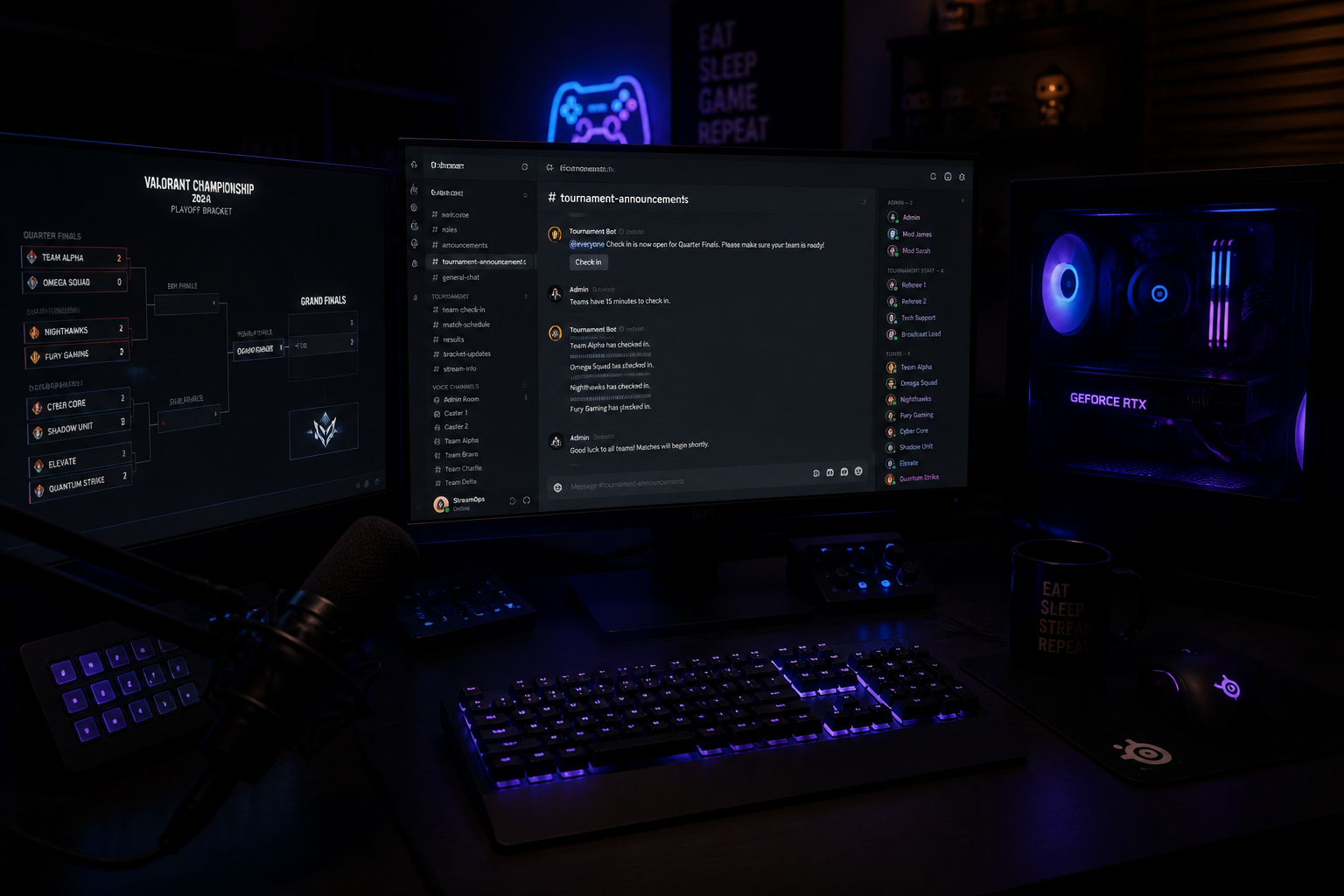
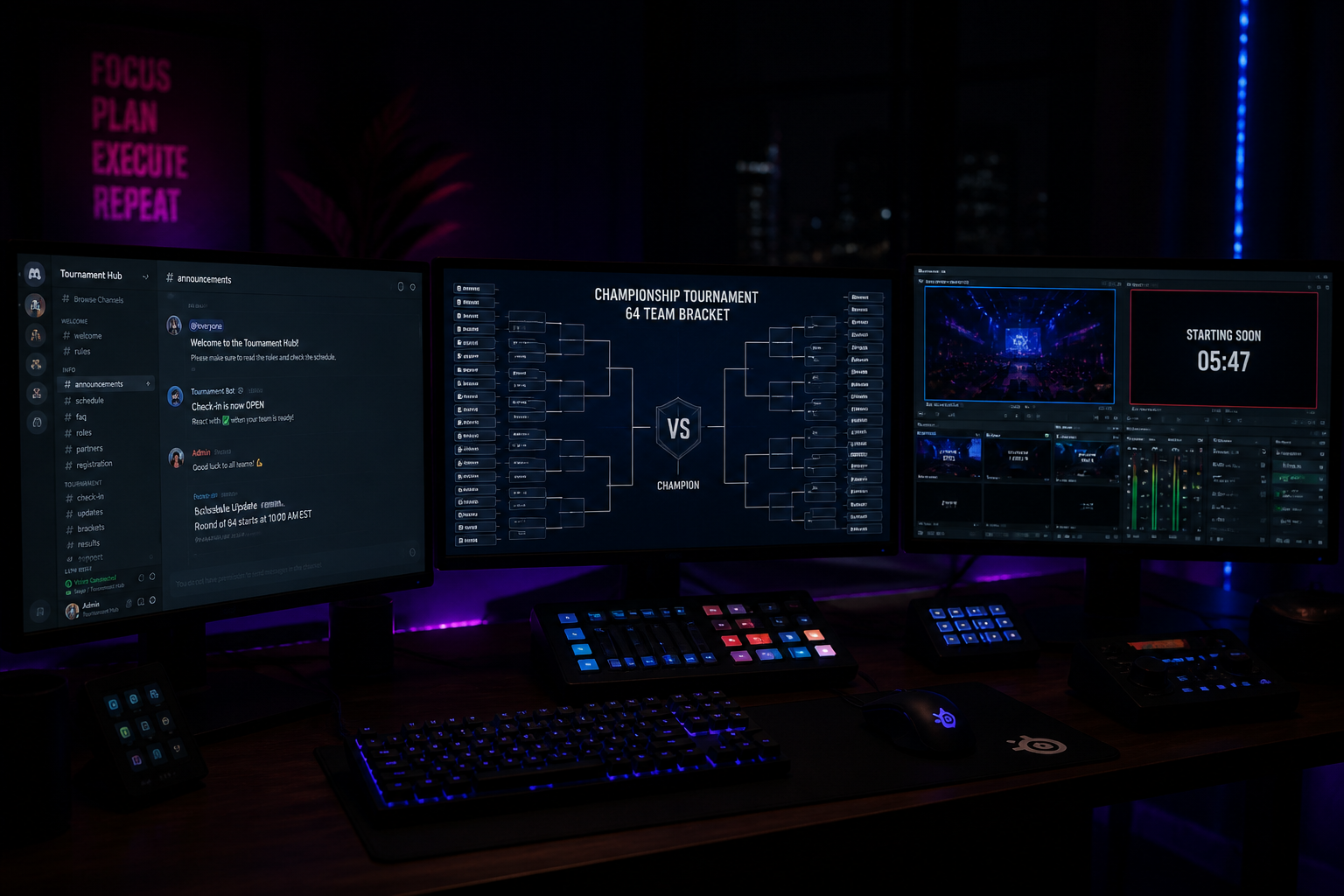
The tournament format dictates the player experience and your administrative workload. A single-elimination bracket is the simplest and fastest to execute; one loss and a team is out. This is ideal for a first event to ensure it concludes within a single evening. For slightly more engagement, a double-elimination bracket gives every team a second chance via a lower bracket, guaranteeing at least two matches per team. This format is common in professional play, as seen in the playoff bracket of events like the BLAST Bounty 2026 Season 2 Finals, and it can significantly improve player satisfaction. For very small, tight-knit groups of 4-8 teams, a Round Robin format where everyone plays everyone else is fantastic for maximizing playtime, though it requires more time.
Your ruleset is critical for preventing disputes. It doesn't need to be 20 pages long, but it must be clear, concise, and public before signups open. Post it in a dedicated `#rules` channel in your Discord. A solid ruleset should be a simple checklist that covers all essential information for players.
- Game & Region: Clearly state the game (e.g., Counter-Strike 2), platform (PC), and required server region (e.g., EU West).
- Team Composition: Specify team size (5v5) and any rules on substitutes.
- Format & Seeding: Define the bracket type (e.g., Single Elimination, Best-of-1 until Finals, Best-of-3 Finals) and state whether seeding will be random or based on a ranking.
- Map Veto Process: Be explicit. For a CS2 Bo1, a common process is: Team A bans, Team B bans, Team A bans, Team B bans, Team A bans, Team B bans, remaining map is played.
- Server Hosting: Specify who is responsible for creating the lobby. Usually, the higher-seeded team hosts or you provide dedicated servers.
- Deadlines & Forfeits: State the check-in window (e.g., 60 minutes before start) and the grace period for showing up to a match (e.g., 10 minutes after the round is announced) before a forfeit is declared.
- Dispute Resolution: Name a specific admin or group of admins (@TournamentAdmin role) as the final authority on all rulings. For more complex rulesets for various games, public resources like Liquipedia offer excellent templates.
Automating Logistics for Your Discord Server Tournaments with HUDrift
The single biggest reason community organizers burn out is the manual labor involved in running an event. Juggling Google Sheet signups, constantly pinging `@everyone` for check-ins, and manually DMing dozens of players with their match details is exhausting and prone to error. This administrative overhead pulls you away from what you should be doing: engaging with your community and producing a great broadcast. This is precisely the problem that automation solves.
Using an integrated platform like the HUDrift tournament manager moves all of this work from your hands to an automated system. The process begins when you create your tournament on HUDrift and share the unique signup link in your Discord. When a player clicks to register, they are prompted to connect their Discord account. This one-time authorization is the key that unlocks a streamlined communication flow, managed entirely through private, timely Direct Messages from a bot.
Once a player connects their Discord and signs up, the automated sequence begins. First, they receive an instant signup confirmation DM. This message confirms their successful registration for '[Your Tournament Name]' and reminds them of the start date and time. It immediately removes any ambiguity and prevents a flood of 'did my signup work?' questions in your channels. This initial handshake is critical for building player confidence in the system.
The second crucial automated step is the check-in reminder. Approximately one hour before the tournament's scheduled start time, every registered player receives another DM. This message contains a unique, one-click check-in link. This active confirmation process is far superior to a passive 'be here at 7 PM' announcement, as it provides you with a real-time, accurate headcount of who is present and ready to play. This allows you to seed the bracket based only on checked-in players, preventing no-shows and delays.
The final piece of automation occurs the moment you, the admin, generate the bracket. Instantly, every player with a scheduled match receives a third DM notifying them of their opponent. The message is direct and simple: 'Your first match is ready! You are playing against [Opponent's Name]. Good luck!' For subsequent rounds, players receive a similar DM as soon as their next opponent is determined. This completely eliminates the chaotic process of players searching for opponents in a noisy Discord channel or you having to manually message every single team. This automated flow frees you to focus on casting, moderation, and enjoying the event alongside your community. For a deeper look at how this compares to other platforms, see our analysis of HUDrift vs Start.gg.
Broadcasting Your Tournament and Maximizing Engagement
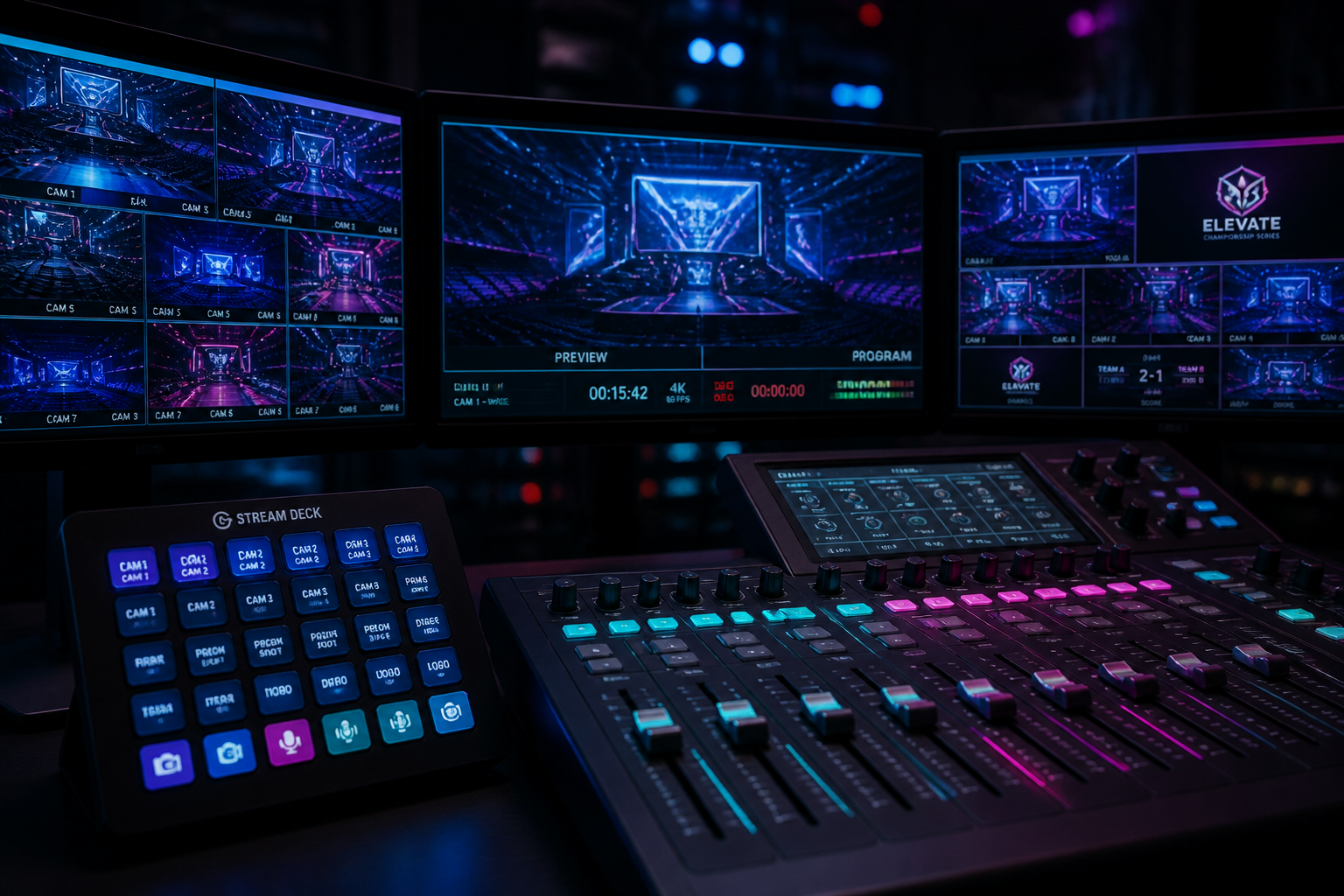
Your tournament is live content; treat it with the same care as any other stream. A well-produced broadcast elevates a simple community event into a must-watch spectacle. At a minimum, you should plan to broadcast the semifinals and grand final. If you have aspiring casters in your community, invite them to co-cast with you. This is a great way to foster talent and increase community involvement. Ensure your stream looks professional by using a dedicated broadcast package with tournament-specific branding. You can find many polished, easy-to-use options on the HUDrift overlays marketplace.
Your technical settings in OBS Studio or your preferred software are vital for a good viewing experience, especially for fast-paced esports. For a 1080p, 60fps stream on Twitch, you should set your Video Bitrate to 6,000 kbps and your Rate Control to CBR (Constant Bitrate). For YouTube, you can push this higher, up to 9,000 kbps for 1080p60. Use a 'Faster' or 'Fast' x264 CPU Usage Preset for a good balance of quality and performance. Ensure your audio is clean by separating your game audio, microphone, and Discord audio onto different tracks in OBS's Advanced Audio Properties. This gives you granular control and prevents your co-caster's voice from being drowned out by game sounds.
Throughout the broadcast, your goal is to funnel viewers from the stream into the Discord server. This is how you convert temporary viewers into permanent community members. Create a dedicated `#tournament-chat` channel for spectators and players to discuss the matches. Use a chatbot command like `!discord` that viewers can use to get an instant invite link. Mention the Discord server verbally between matches and have the link visible as part of your on-screen overlay. The tournament is the hook; the community is the long-term value.
The engagement shouldn't stop when the final match ends. Post-event content is crucial for maintaining momentum and building hype for the next tournament. Create a short highlight reel of the most exciting plays and post it on YouTube, TikTok, and Twitter. Take a screenshot of the final bracket and post it in your `#announcements` channel, congratulating the winners and thanking everyone for participating. This post-event content loop provides value to your community, gives you additional content for your social channels, and serves as the perfect advertisement for your next event.
Running regular **tournaments for your Discord server** is one of the most effective and sustainable strategies for community growth. By transforming a passive audience into active participants and automating the administrative workload with tools that handle signups, check-ins, and match notifications, you can host compelling events consistently without burning out. This rhythm of competition and engagement is what builds a truly vibrant and self-sustaining community.
Stop wrestling with spreadsheets and start building your legacy. Create your first event with HUDrift's tournament tools today and discover how straightforward it is to run your community's next competition.
Frequently Asked Questions
- How do I get players to sign up for my first Discord tournament?
- Promote it consistently on your stream and in your Discord's announcement channel for at least a week prior. Create a low-stakes prize, like a unique 'Season 1 Champion' Discord role or a small gift card, to incentivize participation. Most importantly, make the signup process frictionless. A simple, one-link registration like the one HUDrift provides is crucial for converting interest into actual signups.
- What's the best format for a community tournament?
- For your first few events, a single-elimination bracket is ideal. It's the fastest format to run and ensures the tournament can be completed in a single session. As you get more comfortable, you can introduce a double-elimination bracket to guarantee every participant gets to play at least two matches, which significantly increases player satisfaction. The best format always depends on your community's available time.
- Does HUDrift automatically create bracket graphics in my Discord channel?
- HUDrift automates player communication via Direct Messages for signups, check-ins, and match opponent notifications. It does not automatically post updating bracket images into your public Discord channels. As the organizer, you would share the public link to the live HUDrift bracket page in your `#announcements` or `#tournament` channel so everyone can follow the progress of the event in real-time.
- How much should I charge for entry to my Discord server tournament?
- For community-focused tournaments, it is highly recommended to start with free entry. The primary goal is to maximize participation and engagement, and any entry fee can act as a barrier. Once you have a history of successful events, you can consider adding a small entry fee to fund a prize pool. HUDrift's platform supports both free and paid entry; you can learn more about our fees on the pricing page.