Best Discord Tournament Bot in 2026
Looking for the best Discord tournament bot in 2026? We review top bots for brackets and signups, and show you when to upgrade to a free, automated platform.
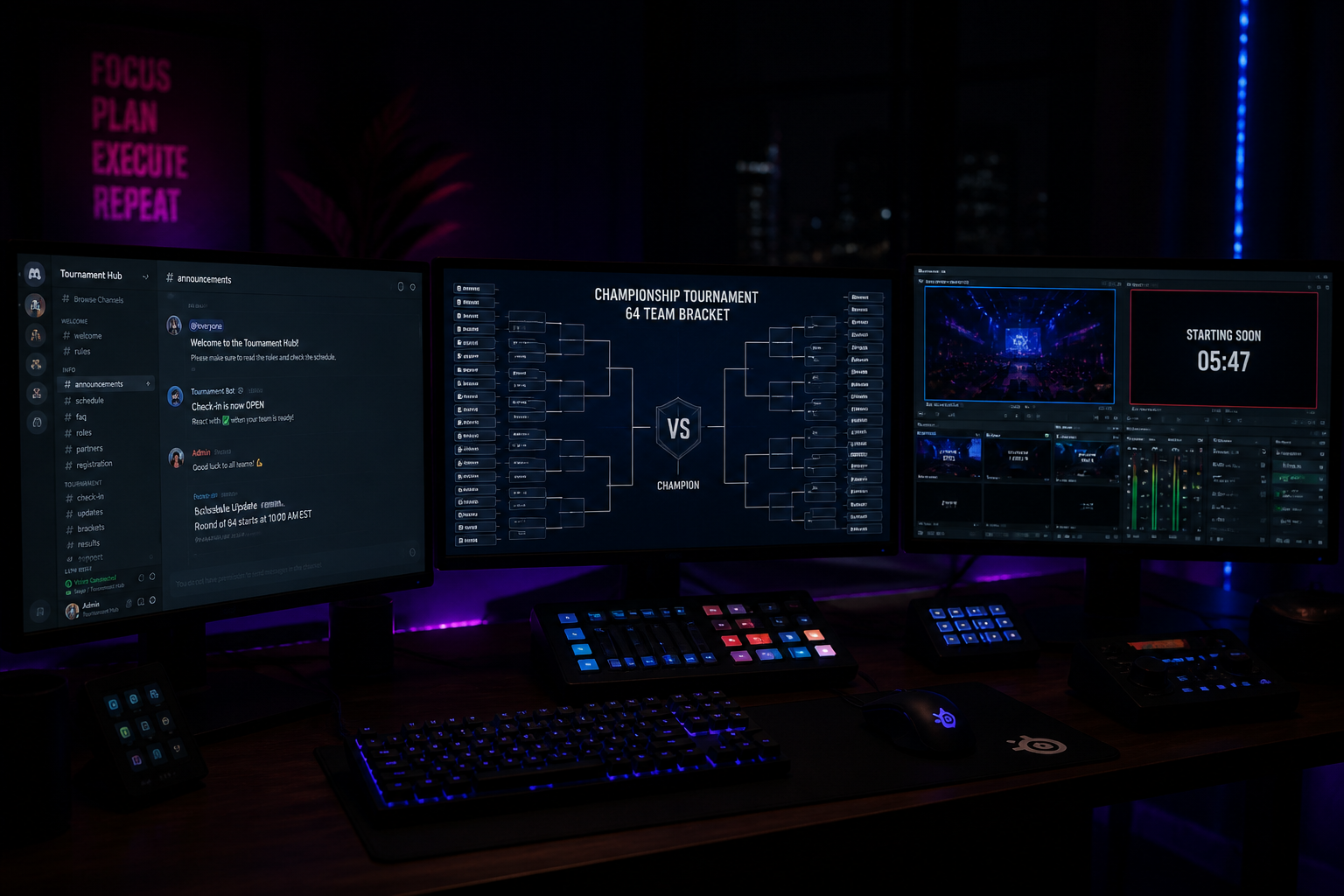
Running a tournament can feel like organized chaos. One minute you're setting up, the next you're dealing with a player who's late because they were, as one recent report noted, literally arrested for speeding to a LARPing event. To manage the flood of signups, check-ins, and match disputes, many organizers turn to a **discord tournament bot**. These tools promise to automate bracket creation and player management directly within your server. This guide reviews the most popular Discord tournament bots available in 2026, outlining their strengths and weaknesses. We will also identify the exact point where your growing event needs to graduate from simple bot commands to a fully integrated, and free, tournament platform that leverages Discord for what it does best: direct communication.
What to Look For in a Basic Discord Tournament Bot
When you're just starting, your primary goal is to get a bracket running with minimal fuss. A good entry-level Discord tournament bot should handle the absolute fundamentals without requiring you to open a dozen browser tabs. The core functionality you're seeking is bracket generation. You need a bot that can take a list of registered players and automatically seed them into a single-elimination or double-elimination bracket. This is the bot's main job: to save you from having to use a spreadsheet or a separate website just to figure out who plays who in round one.
The second key feature is a command-based user interface for player actions. Players should be able to join the tournament with a simple command like `!join` or `!register` in a specific channel. After a match, they need a way to report the winner, typically with a command like `!reportwin @opponent`. This self-service model is the entire appeal of a bot; it offloads the administrative work from you onto the players and the bot's logic. Some bots also include basic role management, automatically assigning a 'Tournament Participant' role to anyone who joins, making it easy to ping all players at once.
However, this command-based system is also where the first cracks appear. Relying on text commands in a public channel can lead to spam, confusion, and errors. If a player types the command incorrectly, the bot won't register it. If they report the wrong winner, you have to manually intervene. Furthermore, this entire process lives and dies within Discord. There's no central, public-facing webpage for your tournament, which makes it harder to build a brand or a history for your event series. While useful for a casual 16-player weekly, these limitations become significant as your ambitions grow, much like how a local pickup game differs from the structured format of a major event like the TI 2026 Europe Qualifier.
Reviewing Popular Bots: Tourney Bot, Toornament, and Others
Several bots dominate the space, each with a slightly different approach. **Tourney Bot** is one of the most straightforward and popular choices for a reason. It lives entirely within Discord and is focused on the core loop: create, join, report, advance. You set up tournaments using a series of setup commands (e.g., `!t create`, `!t setname`, `!t setsize`). Players join, and once registration closes, you use `!t start` to generate and display the bracket as a text-based or simple image representation in a channel. It's effective for small-scale, informal events where all participants are already comfortable with Discord commands.
The main drawback of Tourney Bot is its simplicity. It doesn't scale well visually or administratively. A 64-player text-based bracket is nearly impossible to read, and managing disputes or score corrections requires you, the admin, to use a separate set of override commands. There is no external page for people to view the bracket, meaning non-participants have no easy way to follow the action. It's a tool for execution, not for presentation or community building outside the confines of a single server.
The **Toornament Bot** acts as a bridge to its much larger web platform. This is a step up in complexity and capability. The bot's primary function within Discord is to provide notifications and role synchronization based on actions taken on the Toornament website. For example, when a player registers on your Toornament-hosted landing page, the bot can assign them a role in your Discord. When a match is ready, it can ping the relevant players. This is an improvement over pure command-based systems, but it also means you are now managing two separate platforms. The core organization—seeding, bracket management, and configuration—happens on their website, which can have a steep learning curve and may involve fees for advanced features or larger events.
Other bots like **Community Gaming** lean into specific niches, such as crypto-based prize pool payouts. While their platform offers robust bracket and registration tools, the integration of web3 wallets can be an unnecessary complication for organizers simply wanting to run a Valorant or CS2 tournament for their community. For every feature a bot adds, it adds a potential point of failure or a barrier to entry for your players. The core question remains: how much of the tournament administration process is truly being automated, and how much is just being shifted to a different interface that still requires manual oversight? In most cases, you are still the one who has to manually check-in players and resolve match disputes.
The Ceiling: When a Simple Discord Tournament Bot Is Not Enough
You'll know you've hit the ceiling with a basic **discord tournament bot** when the manual tasks start taking up more time than the tournament itself. The first major sign is check-in. On tournament day, you post `@everyone check in now!` in a channel. For the next hour, you are manually cross-referencing a list of 100 Discord usernames with your registered players list, dealing with people who are late, and trying to handle last-minute substitutions. It's a chaotic and error-prone process that doesn't scale past 16 or 32 participants.
The second sign is the player experience. Your players are busy people. They don't want to hunt through a cluttered Discord channel to find out who their opponent is. A server-wide ping for the start of Round 2 is easily missed. Players get confused about who to report scores to, or they use the wrong command format, bringing the bracket to a halt until an admin can manually fix it. This friction leads to delays, frustration, and ultimately, a less professional-feeling event. Players will remember a poorly organized tournament and may not return for the next one.
Finally, you lack a persistent home for your brand. Your tournament's legacy is a series of old channels and text-based bracket images. There's no single URL you can point sponsors or new community members to that showcases your past events, winners, and VODs. You can't build a reputation or track player stats over time. For running recurring events or building a grassroots esports league for a new title like *EMPULSE*, this lack of a central hub is a major growth limiter. You're simply running disconnected events instead of building a cohesive tournament series. This is where you need to look beyond bots that live only in your server.
The Pro Step: Integrating Discord with a Full Tournament Platform
The next logical step isn't to abandon Discord, but to use it more intelligently. An integrated tournament platform like HUDrift uses Discord for its greatest strength: direct, personal communication via DMs. Instead of creating noise in public channels, the entire logistical flow is handled automatically and privately between the platform and each individual player. This approach combines the power of a web-based management dashboard for you with the convenience of Discord notifications for your players.
The flow is designed to eliminate the manual work that plagues bot-run events. First, players sign up on your clean, public-facing HUDrift tournament page. During this one-time signup, they connect their Discord account. Immediately, the HUDrift bot sends them a private DM confirming their registration. There's no need for players to ask, "Did my registration go through?" or for you to manually assign roles.
An hour before the tournament starts, the most critical phase—check-in—is fully automated. Each registered player receives a DM with their unique, one-click check-in link. This completely removes the need for a chaotic `#check-in` channel and manual list-checking. You, the organizer, see a live count of checked-in players on your dashboard. Once the check-in window closes, you can seed the bracket with a single click. At that moment, every player in the first round receives another automated DM. This message tells them who their opponent is and provides a direct link to their match page on the HUDrift site, which contains the rules and lobby info. This entire process requires zero commands from players and zero manual messaging from you.
Beyond Brackets: Broadcast Overlays and Organizer Tools
Graduating to a platform isn't just about automating communication; it's about elevating your entire production. If you plan to stream your tournament, a screenshot of a Discord bracket won't cut it. HUDrift provides free, professional-grade broadcast overlays for CS2, Valorant, Rocket League, and more. These are browser-based sources that you can plug directly into streaming software like OBS Studio or SLOBS. They automatically update with live match data, team names, player stats, and scores, giving your stream the polished look of a major broadcast without any manual graphics work during the show.
For the organizer, the benefits extend far beyond the bracket itself. You gain a centralized dashboard to manage everything. You have a permanent, public home for your tournament series, with every past event, bracket, and result archived automatically. This creates a legitimate history for your organization. You can point potential sponsors, partners, or players to a professional-looking site, not just a Discord server link. This is a critical distinction when comparing platforms; many alternatives lock these kinds of features behind paid tiers. As you can see on our Start.gg comparison page, HUDrift provides the automated Discord flow, broadcast overlays, and unlimited free tournaments as a core part of the platform.
While Discord bots are an excellent starting point for any new tournament organizer, they are a tool with a clear functional ceiling. They solve the initial problem of creating a bracket but soon create new problems related to scale, player experience, and administrative workload. When your events grow beyond a handful of friends and you start thinking about presentation, professionalism, and reducing your own stress, it's time to make the switch. An integrated platform doesn't replace your community's home on Discord; it enhances it by handling the tedious logistics automatically, freeing you up to focus on casting, content, and community interaction.
Stop wrestling with commands and give your players a smooth, professional experience. Create your first free tournament on HUDrift today and see how our automated Discord DMs handle the logistics for you, from signup to the grand finals.
Frequently Asked Questions
- How do I add a tournament bot to Discord?
- You typically add a tournament bot by visiting its website and using the 'Add to Discord' or 'Invite' button. This will open a Discord authorization screen where you select your server and grant the bot necessary permissions, like reading messages, sending messages, and managing roles. After authorization, the bot will appear in your server's member list, and you can begin configuring it using its specific setup commands in a designated channel.
- What is the best free discord tournament bot?
- The 'best' free bot depends on your needs. For simple, quick, command-line events entirely within Discord, Tourney Bot is a popular choice. However, for a more professional and automated experience, the HUDrift platform is a superior free option. It uses Discord DMs to automate signups, check-ins, and match notifications, providing a smoother experience for players and less manual work for organizers, all while being completely free.
- Can a Discord bot automatically create brackets?
- Yes, most tournament bots like Tourney Bot can automatically generate single and double-elimination brackets after you start the tournament. They take the list of registered users and seed them into the bracket. However, these brackets are often displayed as simple text or basic images within a Discord channel. A full platform like HUDrift also creates brackets automatically but presents them on a public, interactive web page that's easier to view and share.
- Does HUDrift replace my Discord server?
- No, HUDrift does not replace your Discord server; it enhances it. Your server remains the central hub for your community to chat, share clips, and build hype. HUDrift's integration simply offloads the logistical spam (check-ins, match announcements) into private DMs with players. This keeps your main channels clean for communication while ensuring no player ever misses a critical tournament update. It's the best of both worlds.
- How does HUDrift handle tournament check-ins via Discord?
- HUDrift automates the entire check-in process. Instead of you manually pinging everyone in a channel, the HUDrift bot sends a direct message to every registered player about an hour before the start time. This DM contains a unique, one-click check-in link. Players click the link to confirm their participation, and you see the live count on your tournament dashboard. This eliminates manual list-checking and public channel spam completely.
Beyond Logistics: Integrating Your Bracket with Your Broadcast
The single biggest advantage of an integrated platform over a standalone Discord tournament bot is the connection to your live broadcast. A bot's job ends once the match is reported. For a platform like HUDrift, that's where the viewer-facing value begins. Because HUDrift is both your tournament management tool and your broadcast graphics engine, the data flows seamlessly from one to the other — score updates on the admin dashboard instantly populate on-screen graphics.
Matchup cards, full-bracket overlays, and team logos are all powered by the same tournament data you already entered, so there's no need to type player names into OBS text sources or re-export bracket images between maps. Browse the full suite of broadcast overlays that connect directly to your tournament — a cohesive, professional experience for players, admins, and viewers alike, and a stark contrast to the limitations covered in the Challonge comparison.