How to Use a Live Tournament Bracket Overlay on Stream
A native walkthrough: put a live tournament bracket on your stream that updates itself as results come in, using HUDrift end to end.
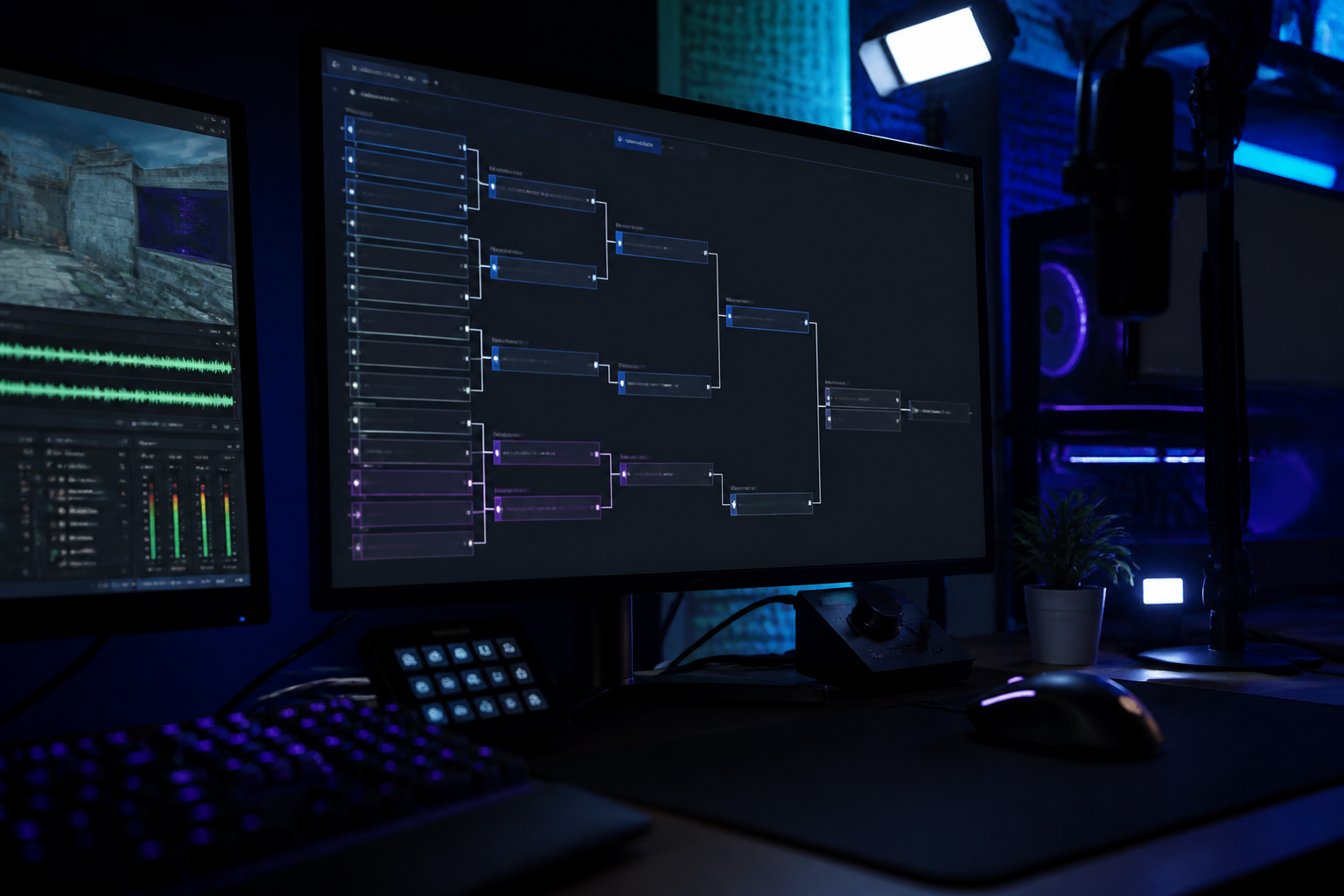
A bracket overlay is only useful if it is live. A picture of a bracket from two rounds ago tells your audience nothing, and keeping it current by hand is the single most thankless job on a tournament broadcast. This walkthrough shows how to put a bracket on stream that updates itself, because the bracket and the broadcast are the same system: HUDrift runs the event, so the graphic is reading the real standings rather than a copy of them.
What a live bracket overlay actually needs
Three things have to be true. The bracket has to know the result the second it is confirmed. The graphic has to redraw itself without anyone clicking anything. And it has to stay readable as the event grows from 8 teams to 64, which means the overlay must reframe around the rounds that matter instead of shrinking everything to fit.
- Live result ingest, not a periodic refresh.
- Automatic advancement so winners appear in the next round instantly.
- A readable frame at any team count, focusing the active rounds.
- Consistent branding with your scorebug and talent graphics.
Step 1: create the event and let the bracket build itself
Create your tournament, pick the format, and let signups fill it. When you close signups the bracket is seeded for you, which matters more than it sounds: a hand-built bracket is where most on-stream mistakes originate. From this point the bracket is the source of truth for the event and for every graphic you put on air. Start at host a tournament.
Step 2: put the bracket on air
Open the broadcast view and add the bracket to your layout. Choose the full bracket for stage transitions and downtime, or the focused view that shows the current round and the path to the final, which is what you want during play. Both read from the same live event, so switching between them never desyncs.
Step 3: let results drive the graphic
Players report their series, or you confirm the score yourself as host. Either way the result advances the winner and the on-air bracket redraws immediately. There is nothing to refresh and nothing to re-crop when the bracket gains a round, so a solo operator can call the game and still have a current bracket on screen.
Step 4: use the bracket as broadcast rhythm
Show the bracket between series, before a decider, and after an upset. Those are the moments viewers reorient themselves. Because advancement is automatic, you can cut to it at any time without checking whether it is up to date, and the story of the event tells itself.
Frequently Asked Questions
- Does a live bracket overlay work for large events?
- Yes. Bracket views scale from small 4 team events up to 64 teams, switching to a focused round view so the graphic stays readable on stream.
- Do I need any other software to show the bracket?
- No. HUDrift is a complete broadcast studio, so the bracket, scoreboard and talent graphics all come from the same app that runs the tournament.
- How fast does the bracket update after a result?
- As soon as the series result is confirmed. The overlay is reading live event data, so the winner advances and the graphic redraws without a manual refresh.
- Can I run the bracket and cast at the same time?
- That is the point of automatic advancement. Results come in from players or from you as host, and the on-air bracket keeps itself current while you call the game.