How to Multi-Stream to Twitch and Kick in 2026
Learn how to multi-stream to Twitch and Kick in 2026 with OBS dual-output, bitrate math, and a compliance checklist that keeps both partner programs happy.
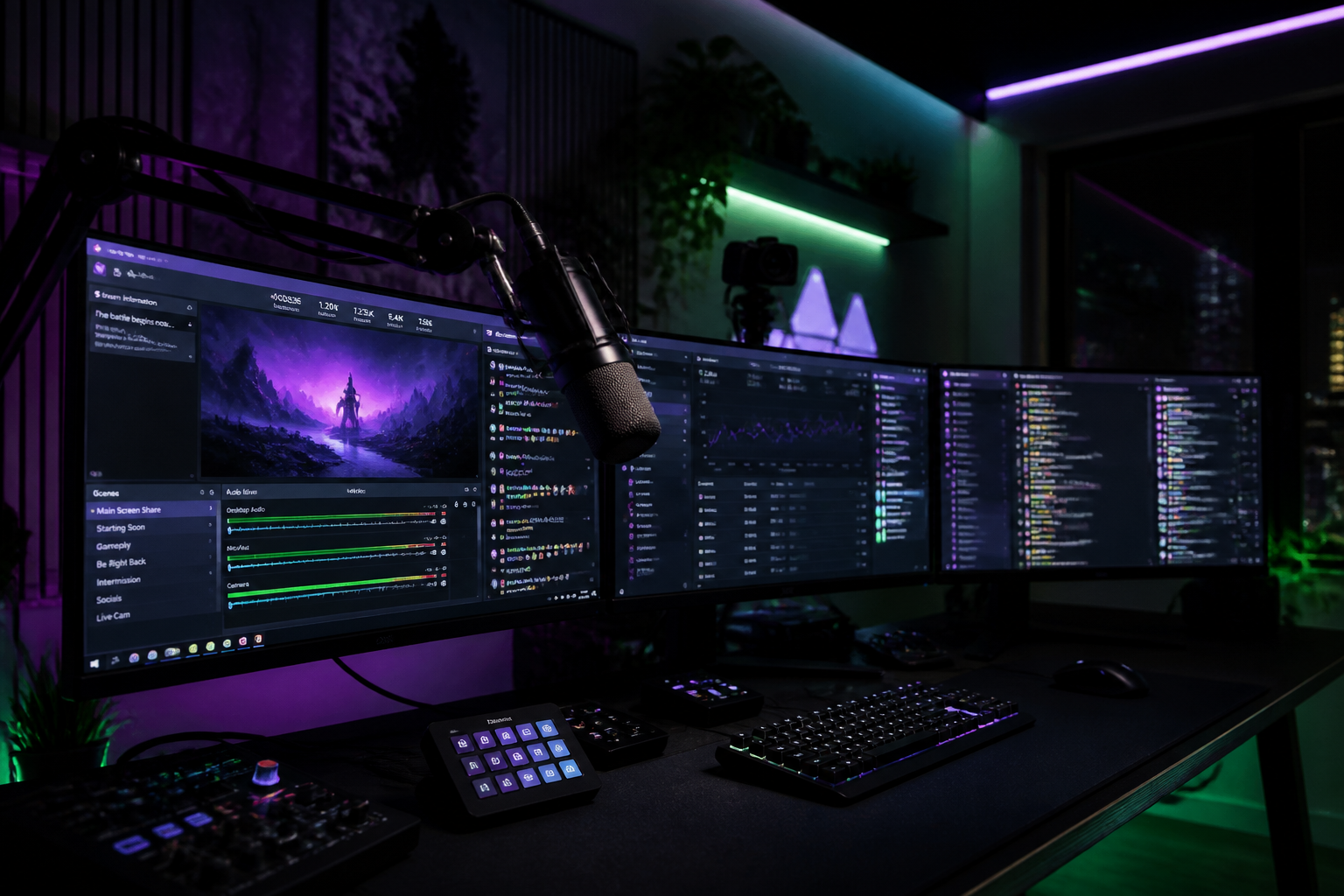
If you want to multi-stream to Twitch and Kick in 2026 without getting your encoder strangled or your partner status revoked, you need a real setup — not just RTMP keys pasted into two OBS profiles. Twitch's updated simulcasting rules, Kick's aggressive 96% revenue split, and OBS Studio 30's native dual-output support have changed what a working multi-stream rig actually looks like. This guide walks through the encoder math, the OBS configuration, the bitrate ceilings on each platform, the compliance edges you cannot cross, and the overlay/chat layer that keeps both audiences engaged without you breaking your wrists.
Why multi-stream to Twitch and Kick at all in 2026
Kick still pays 95-96% to creators on subs, runs no transcode tax on bitrates up to ~10,000 kbps, and lets you keep gambling and IRL categories that Twitch restricts. Twitch keeps the discovery, the established sub base, and the cultural weight. For most growth-stage streamers in CS2, Valorant, Rocket League, and tournament-adjacent content, neither platform alone is the right answer — you cover both.
What changed in 2026 is that simulcasting is no longer a grey zone. Twitch's published simulcasting guidelines now permit streaming to other services concurrently, with explicit rules around branding, chat parity, and not directing Twitch viewers off-platform. Partners and Affiliates can multi-stream — they just have to follow the rules. Most enforcement actions in 2025-2026 came from creators who ignored the chat parity clause, not from multi-streaming itself.
What you need before you multi-stream to Twitch and Kick
Before you touch OBS, audit three things: upload bandwidth, GPU encoder headroom, and your CPU's spare capacity for a second encode if you run two software outputs. Run a hard-wired test on Speedtest.net at the time of day you actually stream — not 3am when nobody's on your line. You need sustained upload, not peak.
- Upload bandwidth: minimum 15 Mbps sustained for dual 1080p60. Comfortable target is 20 Mbps so you have headroom for packet bursts.
- GPU encoder: NVIDIA RTX 20-series or newer with NVENC, AMD RX 6000+ with AV1/HEVC, or Intel Arc with QuickSync AV1. Check the NVIDIA encode matrix for simultaneous session limits — most consumer cards now run 3+ encodes after the 2023 driver patch.
- CPU headroom: at minimum 4 spare cores at <60% load during gameplay. x264 medium at 1080p60 will eat them.
- OBS Studio 30.0 or newer — earlier versions don't have the multi-track dual-output workflow without plugins.
The OBS dual-output setup for Twitch and Kick
OBS 30+ ships with a Multiple RTMP Outputs workflow that lets you push the same scene to two services with different bitrates and codecs. This is the cleanest path. The alternative — running two OBS instances — still works but doubles your CPU/GPU overhead and is fragile when you switch scenes.
Open Settings → Output → switch to Advanced mode. Configure your primary output (Twitch) on Stream tab: H.264 via NVENC, 6,000 kbps, keyframe interval 2, CBR, preset P5 (Slow) for quality. Twitch caps non-Enhanced Broadcasting at 8,000 kbps but 6,000 is the safe ceiling that won't get throttled on viewer ABR ladders. Then add a Custom Output via the Multi-RTMP plugin or the built-in second output (depending on OBS build) pointing at Kick: HEVC via NVENC at 8,000 kbps, same keyframe interval. Kick accepts HEVC and AV1 from Beam-compatible encoders, which gives you ~30% better quality per bit than H.264 at the same bitrate.
For your Kick ingest URL and stream key, follow Kick's streaming docs — they rotate ingest endpoints regionally and the closest endpoint to your physical location consistently outperforms the default. EU streamers using a US ingest will see 2-3 second extra latency for no reason.
Bitrate math: don't try to multi-stream to Twitch and Kick at 1080p60 with 8 Mbps upload
The math people get wrong: you do not add the two video bitrates and call it your upload need. You add bitrates plus audio plus protocol overhead (roughly 8-12%), then leave 25% headroom for jitter.
Example: 6,000 kbps to Twitch + 8,000 kbps to Kick + 320 kbps audio x2 = 14,640 kbps payload. Add 10% protocol overhead = ~16,100 kbps. Add 25% jitter buffer = ~20,100 kbps sustained upload required. If your line tops out at 15, drop Kick to 5,500 kbps HEVC (still looks great because of the codec) or drop Twitch to 720p60 at 4,500 kbps.
WHIP (WebRTC-HTTP Ingestion Protocol) is now in beta on both platforms and gives you sub-second glass-to-glass latency, which matters massively for tournament casting and IRL chat interaction. WHIP uses the same bitrate envelope but is more sensitive to jitter — if your upload spikes, RTMP will buffer, WHIP will drop frames. Use WHIP for the platform you interact with most (usually Twitch chat) and RTMP for the secondary.
Compliance: the Twitch simulcasting rules you cannot break
This is where partners lose their checkmark. The rules that matter in 2026:
- Do not display the other platform's branding, chat, or alerts overlaid on your Twitch broadcast. A Kick chat widget visible on your Twitch stream is an instant violation.
- Do not direct Twitch viewers to follow you on the other platform during the stream. Bio links are fine; on-stream callouts are not.
- Maintain feature parity for paid features — if Twitch subs get a Discord role, Kick subs need an equivalent perk, but you cannot promote one program over the other on a stream.
- Exclusivity contracts (Twitch Partner Plus Tier 2, etc.) override these rules. If you signed exclusivity, you cannot multi-stream regardless. Check your contract before you configure anything.
Practical fix: run two distinct overlay scenes via a hotkey-toggled studio mode in OBS. Same gameplay source, two graphics layers. One shows Twitch chat and Twitch sub alerts; the other shows Kick chat and Kick alerts. This is exactly the kind of dual-overlay logic HUDrift overlay packs are built for — scenes are templated so you can swap branding per output without rebuilding from scratch every time.
Chat, alerts, and the multi-platform overlay layer
The hardest unsolved problem in simulcasting is chat. You have two audiences, two emote sets, two sub events, and one brain. Tools like Restream Chat and StreamElements unified inbox merge chat into one feed — fine for casual, but they strip emote rendering and create awkward attribution ('Restream: @user said...'). For competitive content where viewers interact with calls and reads, that latency is fatal.
A better pattern: two physical chat windows on your second monitor, color-coded by platform, with a unified alert layer that fires identical animations for subs/follows/bits/kicks regardless of source but tags the platform in the alert text. Your overlay should never visually favor one platform. For tournament broadcasts and structured shows, this is what separates a hobby setup from a production rig — see the HUDrift vs. alternatives comparison for how the major overlay tools handle dual-output scene routing.
Monetization: what you actually keep on each platform in 2026
Revenue split in plain numbers. Twitch: 50/50 standard, 70/30 for Partner Plus Tier 1 (350 subs, 3 months), 60/40 default Affiliate sub revenue. Bits: ~$0.01 per bit to creator. Ad revenue: 55% creator on standard, 70% on Partner Plus eligible content. Kick: 95% to creator on subs ($4.99 default, creator nets ~$4.74), no platform tax on tips, bitrates up to 10,000 kbps with no transcoding fee.
The naive read is 'Kick pays better, drop Twitch.' The actual math: 100 Twitch subs at $2.50 net = $250. 100 Kick subs at $4.74 net = $474. But you'll get 100 Twitch subs three times faster than 100 Kick subs because Twitch's discovery pipeline and existing viewer habit are stronger. Multi-streaming captures both — Twitch for growth velocity, Kick for revenue density on the audience you've already converted.
Putting it all together for tournament casting
If you're running a regional CS2 or Rocket League tournament and simulcasting the broadcast, the dual-output setup gets more complex because you have a producer scene, observer feeds, and sponsored overlay slots that may have platform-exclusive deals. Document which sponsor logos belong on which output before you go live. Build bracket and standings overlays once, render them to both outputs identically, and keep your platform-specific layer limited to chat/alerts/follow-prompts.
Ready to multi-stream cleanly? Grab the HUDrift broadcast tools, pick a scene pack that supports dual-output routing, and run a 30-minute private test before your first public simulcast — bitrate, audio sync, and chat attribution all need verification under real load, not at idle.
Frequently Asked Questions
- Can I multi-stream to Twitch and Kick as a Twitch Affiliate?
- Yes. As of 2024 Twitch dropped its exclusivity requirement for Affiliates and Partners (excluding signed exclusive contracts like Partner Plus Tier 2). You can multi-stream to Kick concurrently as long as you follow the simulcasting guidelines — no cross-platform branding on the Twitch stream, no directing Twitch viewers off-platform during the broadcast, and feature parity for paid perks. Check your contract before assuming you're eligible.
- How much upload speed do I need to stream to Twitch and Kick at the same time?
- For dual 1080p60 output, plan for at least 20 Mbps sustained upload. The math: 6,000 kbps Twitch plus 8,000 kbps Kick plus audio plus 10% protocol overhead plus 25% jitter headroom lands you near 20 Mbps. If you only have 10-12 Mbps available, drop one output to 720p60 at 4,500 kbps or use HEVC on Kick to get acceptable quality at a lower bitrate.
- Does OBS support streaming to two platforms at once natively?
- OBS Studio 30 and newer support multiple simultaneous outputs through the built-in dual output workflow or the Multiple RTMP Outputs plugin. You can configure different bitrates, codecs, and resolutions per output. Earlier OBS versions required running two instances or using third-party tools like Restream. The native workflow is more efficient because it shares the canvas render between outputs instead of encoding twice from scratch.
- Is multi-streaming worth it for small streamers?
- For streamers under 50 average concurrent viewers, focus on growing one platform first — splitting attention across two chats with low concurrent counts kills engagement. Once you consistently hit 100+ CCV on Twitch, multi-streaming to Kick adds revenue density without sacrificing growth. The setup overhead is real, so make sure your audience size justifies the production complexity before adding a second output.
- What's the best encoder for multi-streaming to Twitch and Kick?
- NVIDIA NVENC on RTX 20-series or newer is the standard recommendation — modern drivers allow 3+ simultaneous encode sessions and HEVC/AV1 support gives you ~30% better quality per bit than H.264. AMD's RX 6000+ and Intel Arc with QuickSync AV1 are viable alternatives. Avoid pure CPU x264 encoding for both outputs unless you have 12+ cores spare; the load during competitive gameplay will tank your frame rates.