Observer Desk: How Pro Casters Track Comebacks
Don't let the action pass you by. Learn how professional casters use secondary observers and tactical overlays to narrate top-tier esports history.
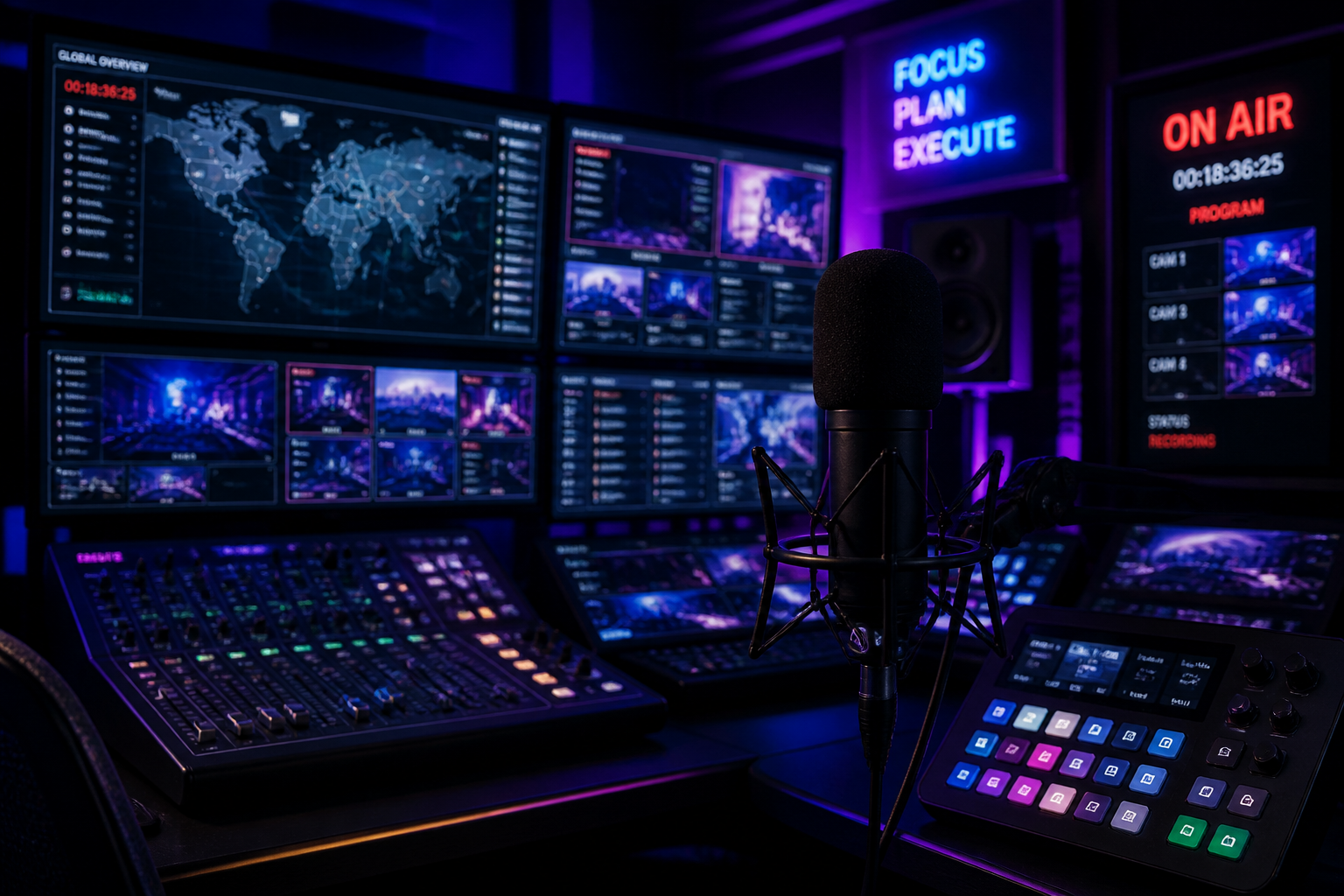
If you are solo-casting from your bedroom, you are likely playing the role of the director, the cameraman, and the talent all at once. It is a recipe for missing the most pivotal moments in a match because you were too busy adjusting your gain or checking your bitrates. In the professional circuit, especially during high-stakes endurance brawls at the IEM Cologne Major Stage 3, the difference between a legendary call and a dead-air disaster is the dedicated observer workflow. You cannot rely on a single perspective when the narrative is shifting as fast as a cross-map rotation.
The Anatomy of the Multi-Monitor Tactical HUD
When NAVI recover a 5-11 deficit to beat MongolZ, the story isn't just about the shots being landed; it’s about the economic collapse of the opponent and the tactical positioning that allowed the comeback to breathe. To call this effectively, your broadcast desk needs more than just the game feed. Professional casters utilize a secondary 'tactical' monitor that bypasses the spectator delay to show real-time utility usage and player health bars. This allows you to forecast a play three seconds before it appears on the main broadcast feed, giving you the psychic edge required for elite play-by-play.
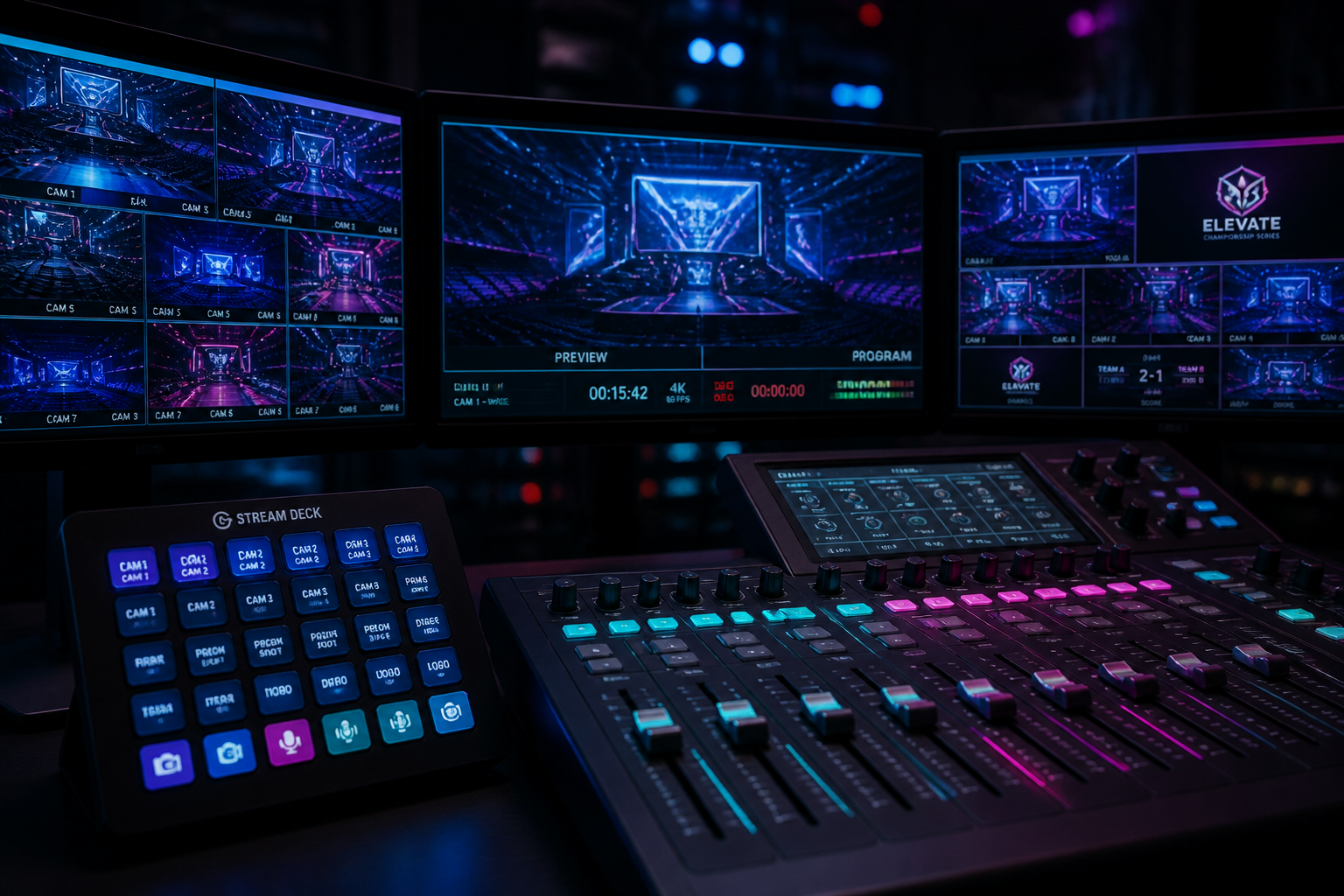
At a premier event like the current IEM Cologne Major Stage 3, the production team isn't just watching one player’s POV. They are running a multi-bus system where the caster has a dedicated 'Program' monitor and a 'Preview' monitor. For a streamer-caster, you can replicate this by using a secondary OBS instance or NDI source. This allows you to see the map layout constantly. While the audience sees the frag, you are looking at the minimap to see that FUT stayed alive in their match at B8's expense precisely because of a flank that the main camera missed. If you aren't looking at the map, you aren't casting; you're just reacting.
Streamlining Comms and Replay Cues
The hardest part of a live broadcast is managing the 'dead air' during technical pauses or player substitutions, such as the sudden roster shift when NIP bench cairne. You need a button-box or a Stream Deck mapped specifically to your replay transitions. A pro workflow involves 'marking' a play in real-time. If a player pulls off an unthinkable clutch, hitting a hotkey should instantly flag that timestamp for your production software. This prevents the awkward 'get-stuck' feeling of a bear with its head in a stove pipe—don't let your production momentum grind to a halt because you can't find the clip.
- Use a dedicated macro for 'Instant Replay' capture to grab highlights during freeze-time.
- Set up an NDI feed of the Tactical Map on a tablet or vertical monitor separate from your main game view.
- Implement a 'Talkback' circuit if you have a producer, ensuring they can whisper in your ear without the stream hearing.
- Map a 'Caster Reset' scene in OBS that clears all overlays if the game UI bugs out after a patch.
Predicting the Tides of Professional Play
The nuance of casting comes from understanding the 'why' behind the 'what.' When you watch the elite teams on the ground at IEM Cologne, their movements are calculated risks. Your observer tools should highlight these risks. By using advanced overlay plugins like RAW or specialized game-state integration tools, you can see 'Damage Dealt' and 'Utility Damage' in real-time. This is how you catch the small details that build the tension of a comeback. You aren't just calling the kill; you are calling the 40 damage from a stray grenade that made that kill possible.
Your setup is your instrument. Just as pro players obsess over their sensitivity and mousepad friction, a caster must obsess over their window management. If your digital workspace is cluttered, your commentary will be cluttered. Clean up your docks, prioritize your visual data, and ensure your audio routing is bulletproof. The goal is to reach a state where you are reacting to the game's soul, not fighting your own software. To truly elevate your broadcast visuals and stay ahead of the meta, make sure you're integrating the latest analytical tools and keeping your production as sharp as the pros with HUDrift.