How to Run a Rocket League Tournament in 2026: A Step-by-Step Guide
Learn how to run a Rocket League tournament from start to finish. Our 2026 guide covers Discord signups, automated check-ins, brackets, and casting.

Organizing your own esports event offers an incredible way to build a community and create memorable competitive experiences. If you're passionate about Psyonix's high-flying vehicular soccer game, this guide will provide a complete, end-to-end walkthrough of **how to run a Rocket League tournament**. We will cover everything from the initial setup and rules, to leveraging Discord for automated signups and check-ins, managing a fair bracket, and producing a professional-quality broadcast with custom overlays. By the end, you'll have a clear roadmap for hosting a smooth, engaging tournament that players will be eager to join.
Initial Setup: How to Run a Rocket League Tournament on HUDrift
The foundation of a successful tournament is a well-planned setup. Before you can welcome players, you need a central hub for information, registration, and rules. Using a dedicated platform simplifies this process immensely. To begin, navigate to the HUDrift Tournaments page and select 'Create a new tournament'. This dashboard will be your command center for the entire event, from pre-launch promotion to final bracket resolution.
Your first task is to fill in the essential details. Give your tournament a clear and exciting name. Set the correct start date and time, including the time zone. The description is your primary tool for selling your event to potential participants. Use it to detail the prize pool (if any), eligibility requirements (e.g., region-locked, rank limits), and a link to your community Discord server. A detailed description prevents confusion and answers common questions before they are asked, reducing your administrative workload later.
Next, you must define a comprehensive ruleset. Consistency and clarity are key. Specify the core game mode, which for most tournaments will be 3v3 Soccar. Decide on the match format, such as Best-of-3 for early rounds and Best-of-5 for playoffs. It is good practice to reference the official Rocket League Championship Series (RLCS) rules as a starting point for things like sportsmanship clauses and dispute resolution. Clearly state your policy on player disconnects, host/server issues, and the use of specific arenas or mutators. A solid ruleset protects both you and your players.
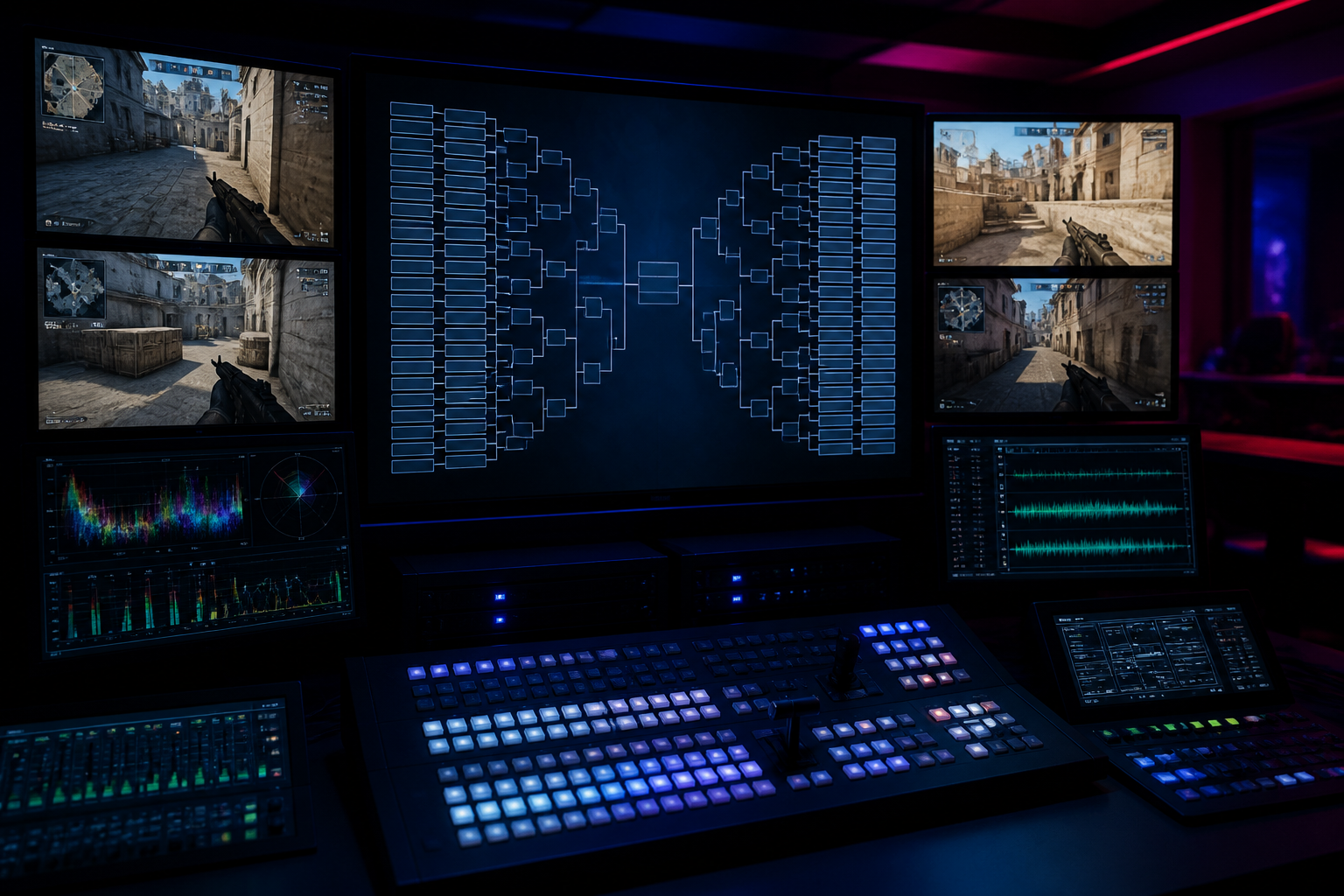
Finally, choose your tournament bracket format. The format dictates the structure of the competition and how many matches each team gets to play. For a quick, single-day event with many teams, a Single Elimination bracket is efficient—if a team loses, they are out. A Double Elimination bracket is often preferred by players as it guarantees each team at least two matches, giving them a second chance via a 'lower bracket'. For multi-day or highly competitive events, a Swiss stage followed by a Single Elimination playoff offers the most balanced experience, ensuring teams play multiple matches against others with a similar record.
Automating Signups, Check-ins, and Matchups with Discord
Managing players is often the most time-consuming part of running a tournament. Manually collecting Discord usernames, sending DMs, and tracking who is ready to play can quickly become overwhelming. HUDrift's Discord integration automates this entire workflow, allowing you to focus on managing the event itself. When you create your tournament on HUDrift, you'll be prompted to connect your Discord server, which authorizes the HUDrift Bot to assist your participants.
The automated process begins the moment a player decides to join. They will register for your tournament through its public page on HUDrift. During this one-time signup, they will be required to connect their Discord account. This single action links their HUDrift profile to their Discord identity, enabling the following automated steps:
- **Step 1: Signup Confirmation DM:** Immediately after a player completes the registration form, the HUDrift Bot sends them a direct message on Discord. This message confirms their successful registration for your specific tournament by name. It acts as an instant receipt, assuring the player that they are correctly entered into the system and provides an initial point of contact from the bot.
- **Step 2: Automated Check-in DM:** One of the biggest challenges for organizers is the pre-tournament check-in phase. The HUDrift bot solves this by sending another automated DM to every registered player approximately 60 minutes before the tournament's official start time. This message contains a unique, one-click check-in link. Players simply click the link to confirm they are present and ready. On your tournament dashboard, you can watch the list of checked-in players populate in real-time.
- **Step 3: Automated Matchup DM:** Once the check-in period is over and you, the organizer, have generated the bracket, the bot sends a third wave of DMs. Each player in an active match receives a new message that clearly states their opponent for the current round (e.g., "Your Round 1 match is ready. You are playing against [Opponent's Name]."). This proactive notification means players don't need to constantly refresh a bracket page; the information they need is delivered directly to them, minimizing delays and confusion.
This three-step process—confirmation, check-in, and matchup—handles the most tedious aspects of player communication. It ensures information is delivered in a timely and organized manner, freeing you up to manage the bracket, answer unique support questions, and run the broadcast.
Managing Your Bracket and Seeding for Fair Play
With players checked in, your next step is to create a fair and competitive bracket. In your HUDrift tournament dashboard, you'll see a list of all players who have completed the check-in process. At this stage, the bracket has not been built, giving you full control over seeding.
Seeding is the critical process of ranking teams before the tournament begins. The goal is to prevent the highest-skilled teams from facing each other in the very first round, which can lead to feel-bad moments and a less exciting finals. On the HUDrift dashboard, you can manually drag and drop teams into your desired seed order. For a more objective system, you can base your seeding on players' in-game ranks (e.g., Supersonic Legend is seed 1, Grand Champion 2 is seed 2), an external leaderboard if you run a tournament circuit, or recent performance. The importance of perceived fairness cannot be overstated; at the pro level, official rankings like the VRS update that saw Vitality fall from the top four are scrutinized because they directly impact tournament seeding and matchups.
Once you are confident in your seeding, you click the "Generate Bracket" button. HUDrift instantly creates the full tournament structure based on your chosen format (e.g., a 16-team Double Elimination bracket) and the seedings you provided. This action is the trigger that prompts the HUDrift Bot to send the matchup DMs to all players in the first round. Players are then responsible for coordinating their match and playing it out.
After a match is completed, players will report the score to you, typically in a designated channel within your Discord server (e.g., `#score-reporting`). As the organizer, you are responsible for verifying the score and entering it into the HUDrift bracket interface. Once you mark a winner, the bracket automatically updates, advancing the winning team to their next match. If their next opponent is also ready, another automated matchup DM will be sent, continuing the cycle until a champion is crowned. This manual verification step is crucial, as it gives you final authority over the bracket and allows you to resolve any disputes before a result is locked in.
Your Guide to a Professional Rocket League Tournament Setup
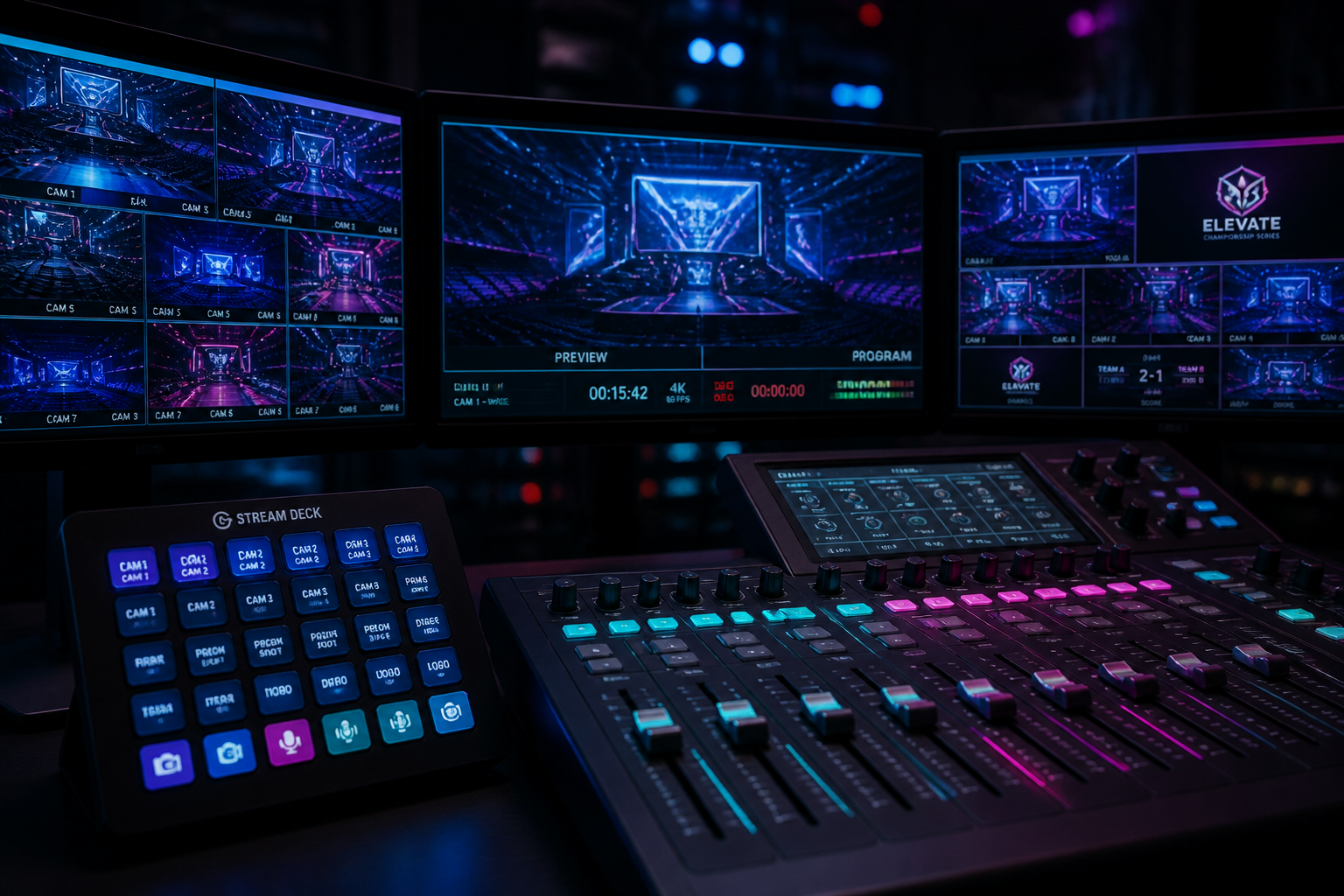
A live broadcast is what elevates a simple online bracket into a true esports event. This section of our guide on **how to run a Rocket League tournament** focuses on production. The central piece of software for this is OBS Studio, a free and powerful streaming application you can get from the official OBS Project website. It allows you to combine various sources—gameplay, webcams, microphones, and overlays—into a single, professional-looking broadcast.
Inside OBS, you'll work with 'Scenes' and 'Sources'. Create a new Scene for your main gameplay view. In that scene, add a 'Game Capture' Source and configure it to capture your Rocket League window. Next, configure your stream output settings by going to 'Settings' > 'Output'. For a high-quality Twitch stream, set the 'Output Mode' to 'Advanced', select the 'NVENC (new)' encoder if you have a modern NVIDIA graphics card, set the 'Rate Control' to 'CBR' (Constant Bitrate), and input a 'Bitrate' of 6,000 kbps for 1080p60fps. For YouTube, you can use a higher bitrate of 9,000-12,000 kbps for a crisper 1080p60fps image.
Showing raw gameplay is fine, but custom overlays provide the polish that defines a serious broadcast. HUDrift offers a full library of data-driven Rocket League overlays designed for this purpose. These aren't just static image files; they are dynamic web layers that connect to your tournament data in real-time. You add them to OBS as a 'Browser Source' layer, pasting a unique URL provided by the HUDrift desktop app. This connection is what makes the system so powerful.
When you advance the bracket or update scores in your HUDrift dashboard, the overlays on your stream update automatically. This means the in-game scoreboard overlay will always show the correct team names, logos, and the current series score (e.g., 2-1 in a Best-of-5). You can create different scenes in OBS for different moments—a pre-game scene with a match-up graphic, a post-game scene with a scoreboard, and a 'be right back' screen—all powered by live data. This eliminates the need for a dedicated graphics operator to manually update text files during the broadcast.
Do not neglect audio. A good USB or XLR microphone is a worthwhile investment. In OBS's 'Audio Mixer', you can add filters to your mic source, such as a 'Noise Gate' to cut out background noise and a 'Compressor' to even out your volume levels. Finally, consider your streaming destination. While Twitch is a mainstay, the landscape is shifting. A recent industry report highlighted that "TikTok Live crosses 50% of global streaming market as CS2 leads Q2 2026 esports charts," indicating that a multi-platform strategy, or at least considering newer platforms, could be key to maximizing viewership for your event.
Running a tournament is more than just managing a bracket; it's about creating an ongoing community. The work you do after the final match is just as important as the work before. Your first priority should be to make the tournament broadcast available as a VoD (Video on Demand) on YouTube or Twitch. Go a step further by editing down the full broadcast into a highlight reel of the best goals, saves, and team plays. Share these shorter clips on platforms like TikTok, Twitter, and Instagram Reels to reach a wider audience and showcase the excitement of your event.
Use your Discord server as a hub for post-event engagement. Create a temporary channel for feedback where players can share what they enjoyed and what could be improved for next time. Publicly post the final bracket image and share a congratulatory message for the winners, tagging them if possible. This not only recognizes their achievement but also provides a definitive record of the event's outcome. This consistent follow-up builds trust and makes players more likely to return.
This guide provides a comprehensive framework for how to run a Rocket League tournament, but the real power lies in automation that lets you focus on your community. By offloading the tedious tasks of player communication and check-ins, you can spend your time casting matches, engaging with your chat, and planning an even better event for next time. Ready to get started? You can set up and run your entire event, including all Discord automation, by creating your first event on the HUDrift tournaments platform.
To unlock the full potential of a professional broadcast with data-driven graphics that update in real-time, you'll need the HUDrift desktop client. This application bridges the gap between your tournament data and your OBS scenes. Download the app to get access to our library of overlays and give your stream the polished, professional look it deserves.
Frequently Asked Questions
- What is the best format for a Rocket League tournament?
- For beginners, Single Elimination is fastest. It's a simple 'lose and you're out' bracket. Double Elimination is more popular as it gives every team a second chance, guaranteeing them at least two matches. For larger, more serious events, a Swiss format followed by a single-elimination playoff bracket is the gold standard, as it provides the most matches and the fairest ranking of teams based on performance throughout the day.
- How do I create private matches in Rocket League?
- From the main menu, go to 'Play', then 'Custom Games', then 'Private Match'. Select 'Create Private Match'. Here you can set the game mode (e.g., Soccar), arena, and team settings. Most importantly, set a 'Name' and 'Password' for the match. You will share this password with the two teams playing in that specific match. As a host, you can then join as a spectator using the same credentials to broadcast the game.
- Does HUDrift automatically report scores from the game?
- No, HUDrift does not automatically pull scores from the Rocket League client. The tournament organizer must manually enter the winner of each match into the HUDrift web dashboard. This is a deliberate design choice to give the organizer full control and the ability to resolve any disputes before the result is made final and the bracket is advanced. Players typically report scores in a dedicated Discord channel.
- Can I use custom overlays for my Rocket League tournament cast?
- Yes. HUDrift provides a range of pre-built, professional Rocket League overlays that connect directly to your tournament data. When you set up your broadcast, you add these as browser sources in OBS. The overlays automatically update with team names, scores, and other information as you manage the tournament through the HUDrift dashboard, ensuring a seamless and professional-looking stream with minimal manual effort during the broadcast.
- How much does it cost to host a tournament with HUDrift?
- You can create and run a tournament on HUDrift with all the Discord automation features—signups, check-ins, and matchup DMs—completely free. This allows you to manage your event from start to finish without any upfront cost. Access to the premium broadcast overlays and real-time data integration for your stream requires a subscription. You can view the different tiers on our pricing page.