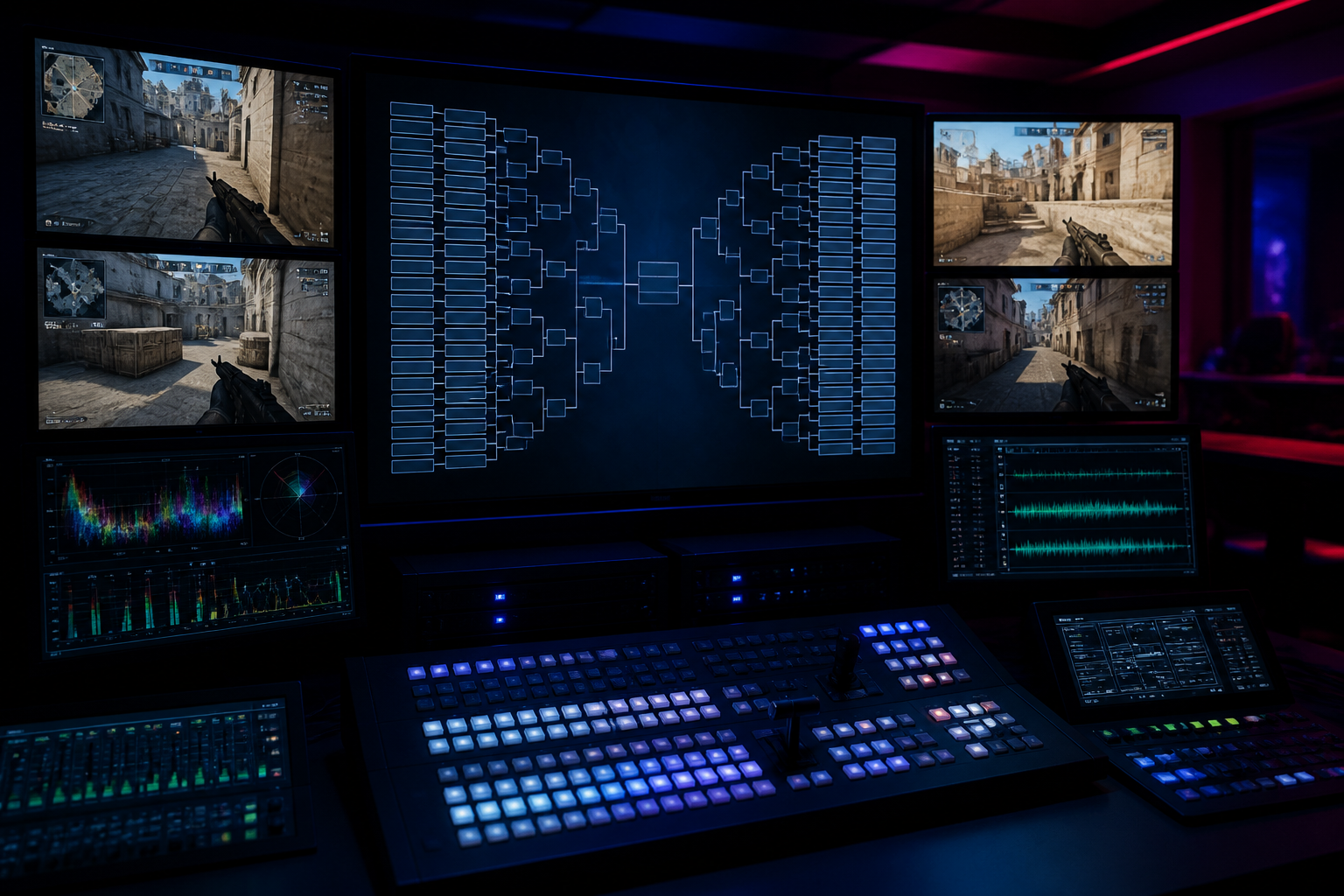
How to Run an Esports Tournament in 2026: A Step-by-Step Guide
Learn how to run an esports tournament from start to finish. Our 2026 guide covers registration, Discord automation, brackets, casting, and overlays.
Organizing your own online competition can feel like a monumental task, but it's more accessible than ever. This guide provides a definitive blueprint on how to run an esports tournament, moving you from a simple idea to a fully executed event. We will cover the essential steps: setting up registration, automating communication with Discord, managing brackets and scheduling, producing a professional broadcast, and using data-driven overlays to captivate your audience. By the end, you'll have a practical framework to launch your own successful tournament.
Step 1: Planning and Registration
Before you can even think about brackets or broadcasts, you need a solid plan. The first decision is the game itself. Whether it's Counter-Strike 2, Valorant, or Rocket League, your choice will dictate the format, rules, and schedule. Next, define the tournament structure. A single-elimination bracket is fast and simple, perfect for a one-day event. A double-elimination bracket offers a second chance for competitors, increasing competitive integrity but also extending the event's runtime. For longer leagues, a Swiss or Round Robin format ensures everyone plays a set number of matches.
Once the format is set, establish a clear and comprehensive ruleset. This document is your single source of truth and will be your best tool for resolving disputes. Cover everything from map-veto processes and server settings to player conduct and bug exploitation. Having these rules defined upfront prevents mid-tournament arguments and ensures a fair playing field for everyone involved. Your ruleset should be easily accessible from your registration page and your community Discord server.
With your plan in place, it's time to handle registration. While you could use a simple Google Form, dedicated tournament platforms provide a much smoother experience for both you and your players. These platforms handle the collection of player information, team rosters, and in-game IDs. When comparing options like Start.gg or Challonge, consider how they integrate with other tools you'll be using, such as Discord and broadcast software. An integrated system saves you countless hours of manual data entry and cross-referencing.
Your registration page is the public face of your event. Make sure it contains all critical information: the date and time, the prize pool (even if it's just for bragging rights), a link to the ruleset, and a clear schedule. Using a platform like HUDrift for your event allows you to create a clean, dedicated landing page where players can sign up, connect their necessary accounts like Discord, and find all the information they need in one place. This centralization is key to a smooth player experience from the very beginning.
How to Run an Esports Tournament with Automated Discord Management
Discord is the central hub for any online gaming community, and for a tournament, it's non-negotiable. It's where players gather, ask questions, find their opponents, and receive updates. However, managing this communication manually is a recipe for chaos. Imagine individually DMing every single participant with their check-in link or their next opponent's name for a 64-player bracket. This is not only inefficient but also highly prone to human error, leading to delays and frustrated players.
This is where automation becomes your most valuable asset. Instead of creating complex role systems and spending hours in DMs, an integrated system handles the entire communication flow for you. HUDrift's tournament tools are built specifically to solve this problem by connecting directly with Discord to manage the most critical communication touchpoints. This automation frees up you and your admin team to focus on running the event, not on being Discord secretaries.
The automated workflow is simple but powerful, ensuring every player gets the right information at the right time. It follows a precise, four-step process:
- **Signup Confirmation:** The moment a player registers for your tournament via the HUDrift platform and connects their Discord account, they receive an automated direct message from the HUDrift bot. This DM confirms their successful registration and which event they've joined, giving them immediate peace of mind.
- **Automated Check-in:** Approximately one hour before the tournament's official start time, every registered player receives another DM. This message contains a unique, one-click link to check in for the event. This process confirms who is actually present and ready to play, which is essential for accurate bracket seeding.
- **Matchup Notification:** Once the check-in window closes and you, the organizer, generate the bracket, the system gets to work. Each player in the first round instantly receives a new DM informing them of their opponent and which match they are in. This eliminates the flood of "who do I play?" questions in your main Discord channels.
- **Ongoing Match DMs:** As the tournament progresses and matches are completed, players who advance will continue to receive these automated DMs for their subsequent rounds. This keeps the tournament moving smoothly without constant manual intervention from your admin team.
This automated flow is the core of a well-run modern online tournament. It provides a professional and seamless experience for your players, who no longer have to hunt through crowded channels for critical information. For you, it removes the single biggest administrative bottleneck, allowing the event to run on time and with minimal friction. You can manage the entire process from a central dashboard, making it easy to see who has checked in and to generate the bracket with a single click. Explore how to set this up on our tournaments page.
Step 3: Bracket and Schedule Management
With your players checked in, it's time to generate the bracket. The type of bracket you chose during the planning phase will now be put into action. For most community events, a single-elimination bracket seeded randomly after check-in is the most straightforward approach. This is fair to all participants, as seeding is based on who showed up on time, not on a perceived skill level that can be difficult to determine in a diverse community setting.
Double-elimination brackets add a layer of complexity but are often preferred by serious competitors. The upper bracket proceeds as normal, while players who lose a match drop to a lower bracket for a second chance. The winner of the upper bracket and the winner of the lower bracket then face off in the Grand Final. While this format takes longer, it provides a more robust test of skill and can create compelling comeback stories. For an example of a well-structured professional bracket, you can look at tournament archives on sites like Liquipedia.
Your schedule is a promise to your players. It's crucial to be realistic. Factor in the average game time for your chosen title, including potential overtimes, technical pauses, and breaks between rounds. A best-of-three series in Valorant can take significantly longer than a best-of-three in Rocket League. It is always better to build buffer time into your schedule and run ahead than it is to fall behind and have players waiting for hours. Clearly post the estimated start time for each round so participants can plan accordingly.
Dispute resolution is an inevitable part of tournament organization. No matter how clear your rules are, situations will arise that require an admin's judgment. Designate one or more admins as the final authority on all rule interpretations. When a dispute occurs, have players provide screenshots or video evidence if possible. Handle these situations privately in a dedicated Discord channel or DM to avoid public arguments. A calm, fair, and decisive admin team is crucial for maintaining the integrity and smooth flow of the competition.
Step 4: Broadcasting and Casting the Action
A live broadcast is what transforms your tournament from a simple competition into a spectator event. You don't need the budget of a major event like the fictional Black Ops 7 at Esports World Cup 2026 to create a high-quality stream. With a decent PC, a stable internet connection, and the right software, you can produce a professional-looking show that will engage your community and attract new viewers.
Your primary tool will be broadcasting software, with OBS Studio being the industry standard for its power, flexibility, and the fact that it's completely free. Take the time to set up different scenes for various parts of your broadcast: a 'starting soon' screen, a main gameplay scene with overlays, a caster-focused scene for analysis, and a 'be right back' screen for breaks. This allows you to switch seamlessly throughout the event and give your stream a structured, professional feel.
Technical settings are critical for a stable, high-quality stream. For platforms like Twitch, a common target is 1080p resolution at 60 frames per second (1080p60). To achieve this without dropping frames, you'll need to configure your settings correctly in OBS. Use the NVENC (new) encoder if you have a modern NVIDIA graphics card, as it has a minimal impact on game performance. Set your bitrate to between 6,000 and 8,000 kbps for 1080p60, and ensure your keyframe interval is set to 2. You can find more detailed guidance in the official Twitch Broadcasting Guidelines.
Finding casters, or commentators, adds personality and context to your broadcast. The best place to start is within your own community. There are likely passionate players who would love the opportunity to get on the mic. Put out a call for aspiring casters in your Discord. You can have them submit a short clip of them casting over a VOD to audition. Giving new talent a platform is a great way to build community engagement and find hidden gems.
How to Run an Esports Tournament with Professional-Grade Overlays
The visual presentation of your broadcast is what separates an amateur stream from a polished production. This is where overlays come in. At a basic level, an overlay displays static information like the tournament name and team logos. However, to truly create a professional viewing experience, you need dynamic, data-driven overlays that integrate directly with the game being played. Viewers of top-tier events, like the recent Stake Pulse Beat I final where Betclic defeated Team Liquid, expect to see live scores, player statistics, and real-time game state information on screen.
Manually updating this information during a live broadcast is nearly impossible. Trying to change the score, update player names, and track kills or objectives by hand is stressful and error-prone. One mistake, like showing the wrong score, can confuse viewers and undermine the credibility of your broadcast. This is a common challenge for new organizers, but it's one that can be completely solved with the right tools.
HUDrift provides broadcast overlays that connect directly to games like CS2 and Valorant through their respective game state integration APIs. This means your overlay is no longer just a static graphic; it's a live, intelligent layer on top of your broadcast. When a round is won, the score on your screen updates automatically. When a player gets a kill, their stats can be updated in real-time. This automation ensures your broadcast is always accurate and allows your production team and casters to focus on the narrative of the game, not on manual data entry.
Setting up these dynamic overlays is straightforward. You add the overlay as a Browser Source in OBS, and HUDrift handles the connection to the game data. You can customize the look and feel to match your tournament's branding, giving you a unique and professional aesthetic. This level of production quality, once reserved for major studios, is now accessible to any community organizer, providing immense value and making your stream stand out.
By following these steps—thorough planning, automated communication, diligent management, and professional broadcasting—you can successfully host an online esports tournament that your community will love. The key is to leverage modern tools to handle the administrative burdens, freeing you to focus on creating a great competitive experience. Ready to automate your signups, check-ins, and broadcast?
Explore HUDrift's integrated tournament management tools to get started on your next event. From automated Discord DMs to live, data-driven overlays, we provide the platform to make your tournament a success.
Frequently Asked Questions
- What is the best format for a community esports tournament?
- For most one-day community events, a single-elimination bracket is best. It's fast, easy to manage, and simple for players to understand. If you have more time or a more competitive focus, a double-elimination bracket is a great choice as it gives every team a second chance. The best format depends entirely on your available time and the competitive goals of your event.
- How much does it cost to host an online tournament?
- The cost can be very low, or even zero. Essential software like OBS Studio for broadcasting and Discord for communication are free. Many tournament platforms, including HUDrift, offer free tiers that are perfect for community events. Your main potential costs would be prize pools or subscribing to premium tiers of management platforms for advanced features. You can run a high-quality event on a minimal budget.
- How do I get casters for my tournament?
- Your own community is the best place to start. Post an announcement in your Discord server or on social media asking for volunteers. Many passionate players are looking for a chance to try casting. You can ask for a short demo clip to gauge their style and game knowledge. Partnering with other small communities or casting organizations can also be a great way to find talent.
- Does HUDrift automatically create the tournament bracket?
- HUDrift automates the communication around the bracket. After players check in using our automated DM system, you (the organizer) will seed the players and generate the bracket within the HUDrift platform. Once you click to generate it, our system then automatically DMs every participant with their specific match and opponent details. This removes the manual communication work while leaving you in full control of the bracket's creation.
- What is the most important thing for a new tournament organizer?
- Clear and consistent communication is the most critical element. Ensure your rules are detailed and easily accessible. Use a centralized platform for information and automate updates whenever possible. A well-informed player is a happy player. Most problems in community tournaments stem from poor communication about rules, schedules, or matchups. Prioritize clarity above all else.