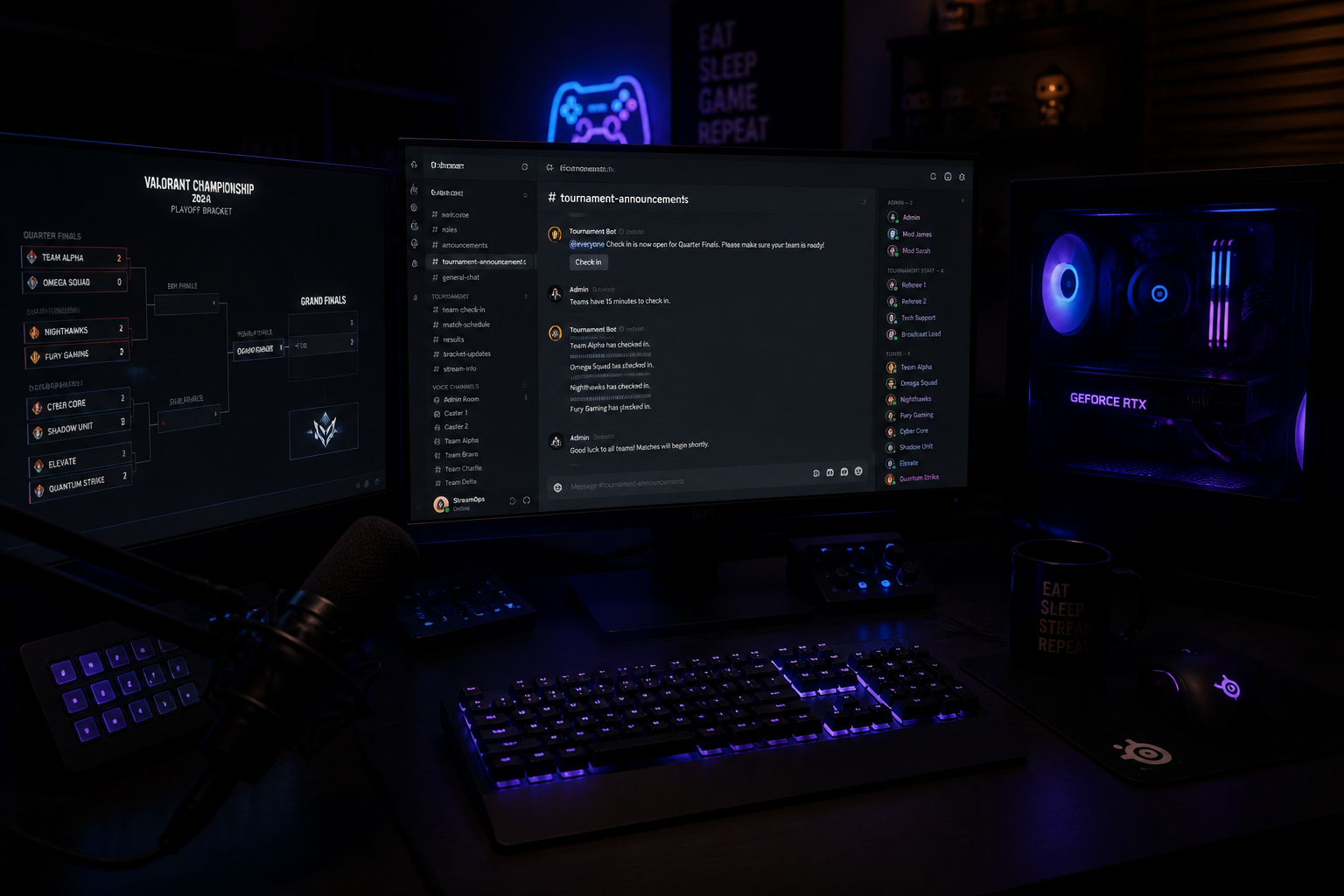
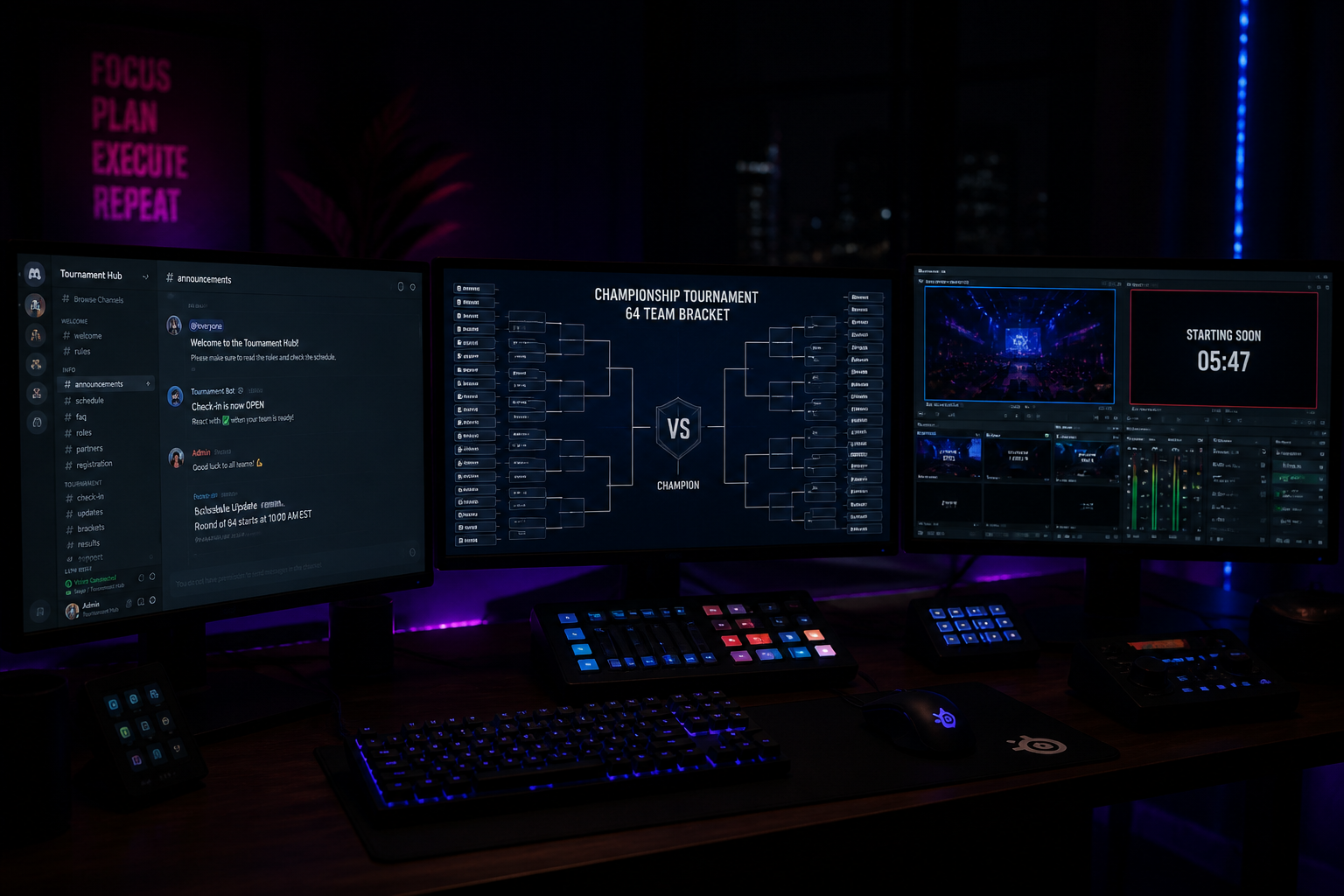
Caster Prep 101: Tournament Broadcast Scene Pack
A step-by-step walkthrough for esports casters — lower thirds, map vetos, player tags and scoreboards wired into one reusable broadcast scene pack you can re-skin per event.
If you've ever scrambled to rebuild lower thirds five minutes before a match because the TO changed the team list, this guide is for you. A proper scene pack — one set of scenes, sources and overlays designed once and re-skinned per event — is the single biggest productivity upgrade a caster can make.
The eight scenes every tournament needs
- Pre-stream waiting screen (with countdown and social handles).
- Caster intro / talent panel (1- or 2-cam).
- Bracket / standings.
- Map veto.
- In-game live with persistent scoreboard.
- Replay / highlight package wrapper.
- Mid-map break (sponsor loop, schedule).
- Outro / 'GG' end card with next-match info.
Build once, re-skin per event
The trick is to design each scene with placeholders, not hard-coded names. Use text sources tied to a single JSON file (or a tool like HUDrift that reads live match data) so that updating 'Team A' to a real team name happens in one place, not 14.
Versioning matters
Duplicate your OBS scene collection before every event. Naming convention: `event-name_v1`, `event-name_v2`. When you inevitably break something live, you can roll back in 10 seconds instead of debugging mid-match.
Rehearse the transitions, not the content
Casters rehearse their lines. Producers should rehearse their cuts. Walk through the full match flow once with no game running: pre-stream → intro → bracket → veto → in-game → break → in-game → outro. Time how long each cut takes. Anything over 3 seconds needs to be rebuilt.
Do this once and your next 20 broadcasts get easier. Do it never and you'll keep losing your first 10 minutes of every show to setup panic.