How Pro Studios Achieve Sub-80ms Broadcast Latency
A behind-the-scenes look at the production stack powering tier-1 esports broadcasts on Twitch and Kick, and how regional studios are copying it for a fraction of the cost.

Walk into the back room of any tier-1 esports broadcast and the most surprising thing is how much of the stack you already own. OBS Studio is still the centerpiece. NDI is still doing the heavy lifting between machines. The difference is how it's wired together — and how production teams have shaved end-to-end latency below 80 milliseconds without spending six figures on hardware switchers.
The basic topology
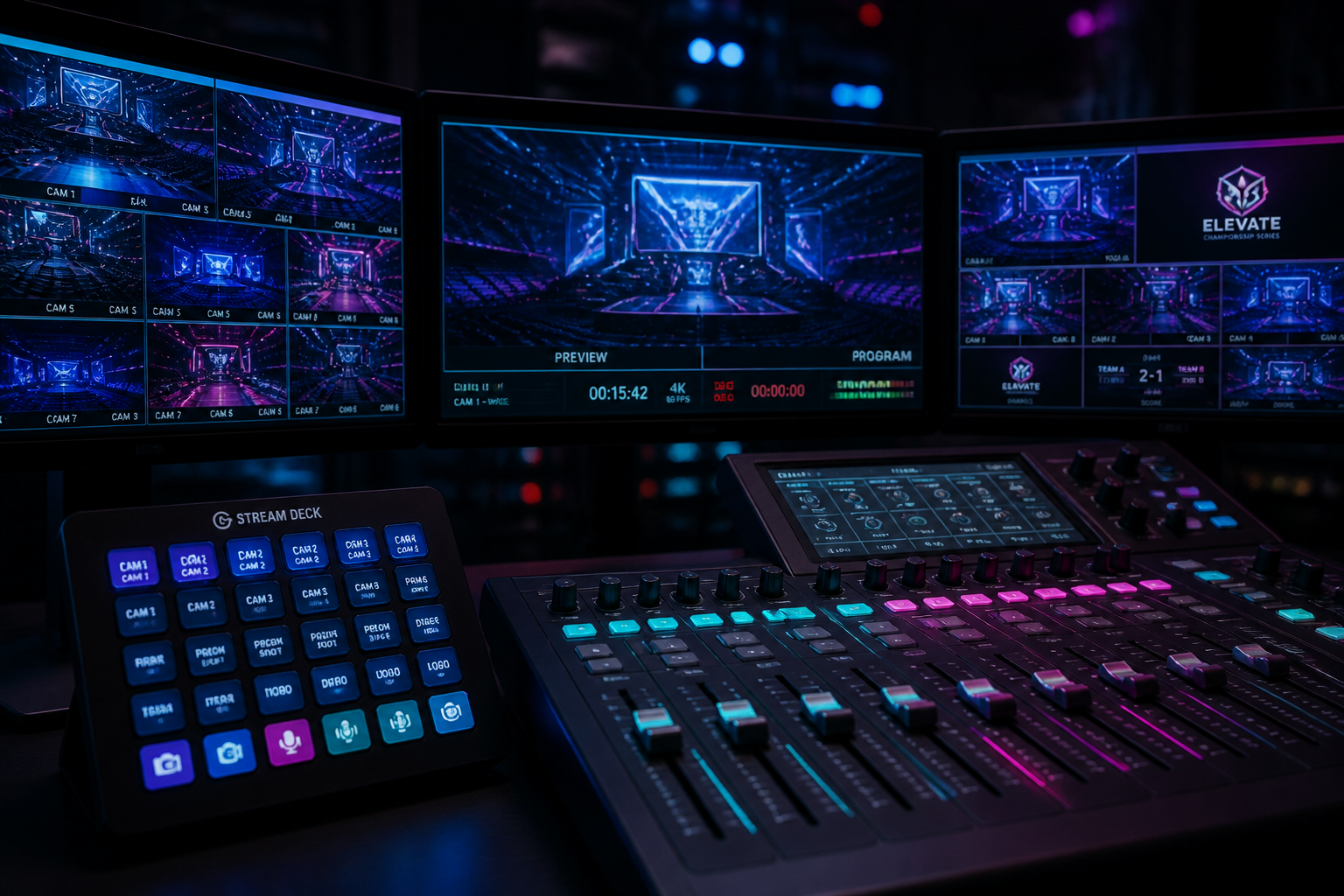
A typical pro setup splits the workload across at least three machines: an observer PC running the game client, a producer PC running OBS with HUDrift overlays, and a dedicated replay rig (usually a custom build with capture cards or a commercial unit like a Telestream Lightning). NDI ties them together over a 10GbE backbone.
Where the milliseconds go
- Game-to-observer: ~16ms at 60Hz, often pre-rendered into the observer feed.
- Observer-to-producer (NDI): 20–40ms depending on encoder.
- OBS scene composition + HUDrift overlay render: 8–16ms.
- Encode + stream egress to Twitch/Kick: 600–2000ms (this is the part you can't beat without HESP/LL-HLS).
The 'sub-80ms' number pros chase is the in-studio chain — observer to producer screen — because that's what the caster reacts to. Egress latency is a CDN problem and largely out of scope.
What HUDrift is doing in the chain
Overlay compositing used to mean baking lower-thirds into the game capture itself, which made replays awkward and scene swaps slow. The modern pattern is to keep the game feed clean and composite overlays at the OBS layer. HUDrift sits as a browser source or NDI input, pulling live match data (scores, player tags, map vetos) and rendering them into the scene in under 16ms.
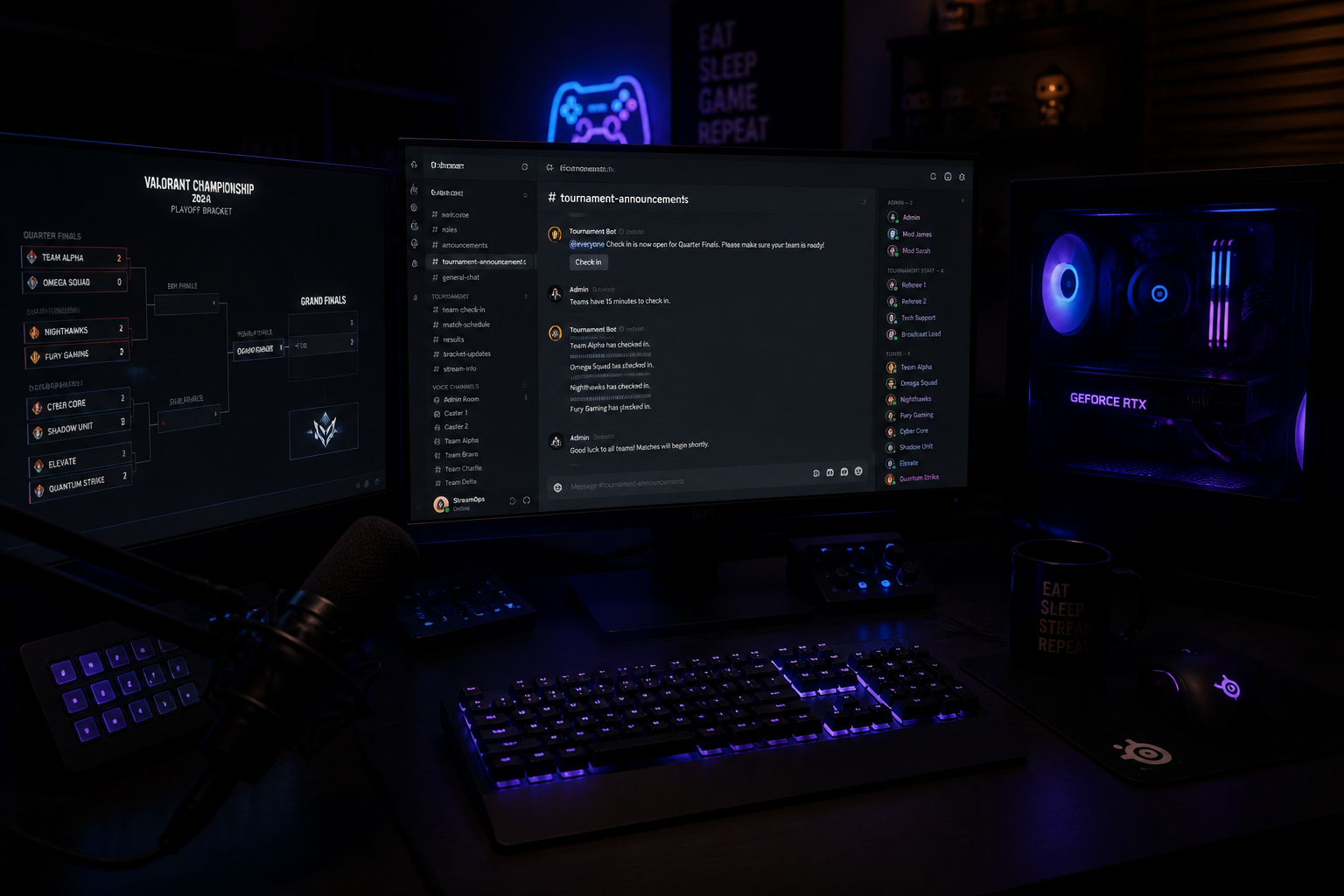
Because the data is decoupled from the overlay design, casters can swap scene packs mid-broadcast — Valorant veto into CS2 map pool into a Rocket League goalscorer scene — without touching OBS.
Copying the stack on a budget
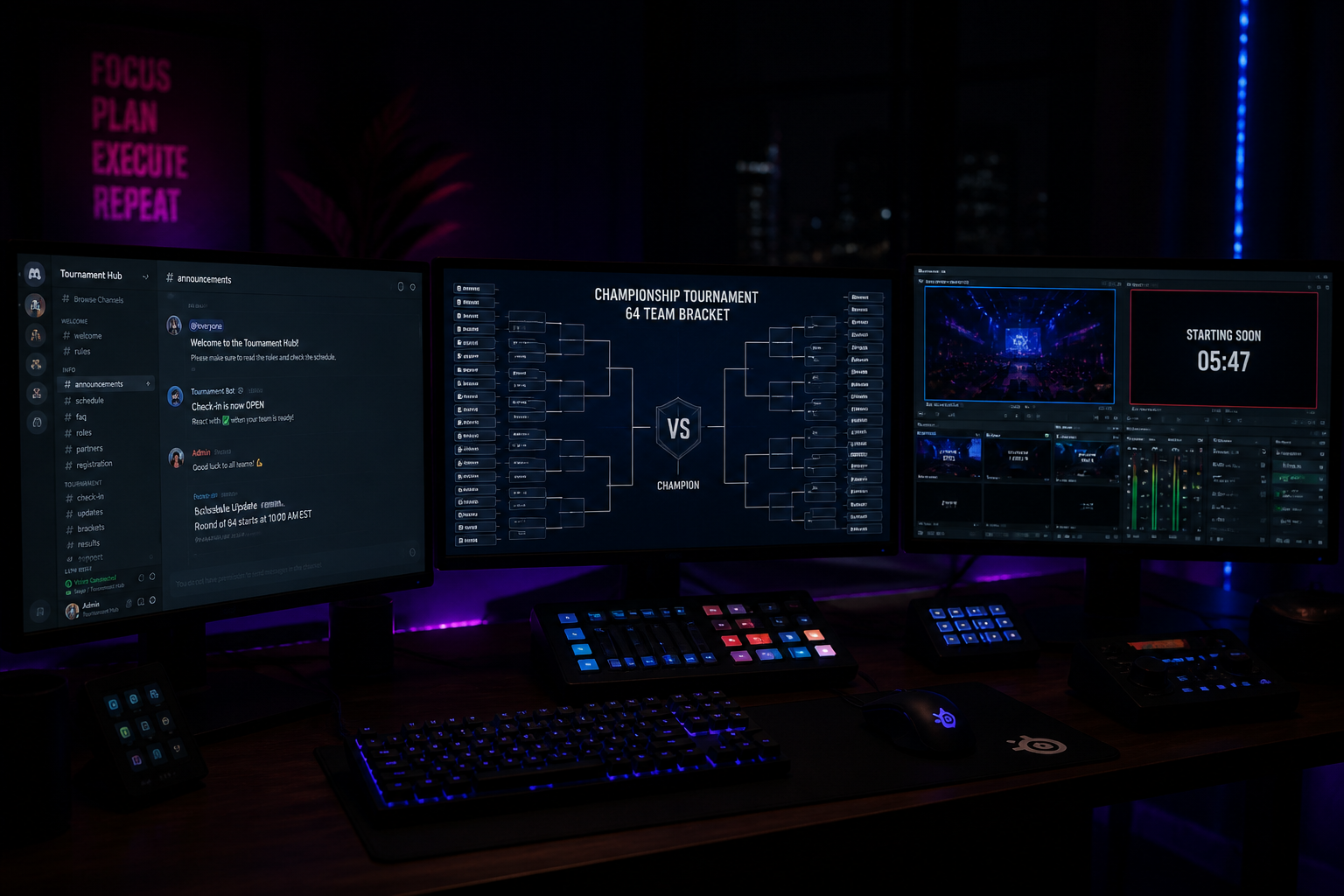
You don't need three machines and a 10GbE switch to copy the pattern. A single decent PC, OBS with multiple scene collections, HUDrift for overlays and a free recording of the game feed for replays gets a solo caster 80% of the way there. The remaining 20% — instant replay clipping, multi-camera director switching — is what separates a one-person broadcast from a full crew.
For grassroots TOs running regional Valorant or Rocket League cups on Twitch, that 80% is more than enough to look credible. And it's why the production gap between tier-1 and tier-3 esports has narrowed dramatically in the last 18 months.